How to create multiple accounts on OneSafe?
Last updated: May 27, 2026
Multiple accounts is a Pro plan feature that allows a business to open and operate more than one Stables account, rather than being limited to a single account under one organization, each with its own balance and transaction history.
Here's how to create another Stables account:
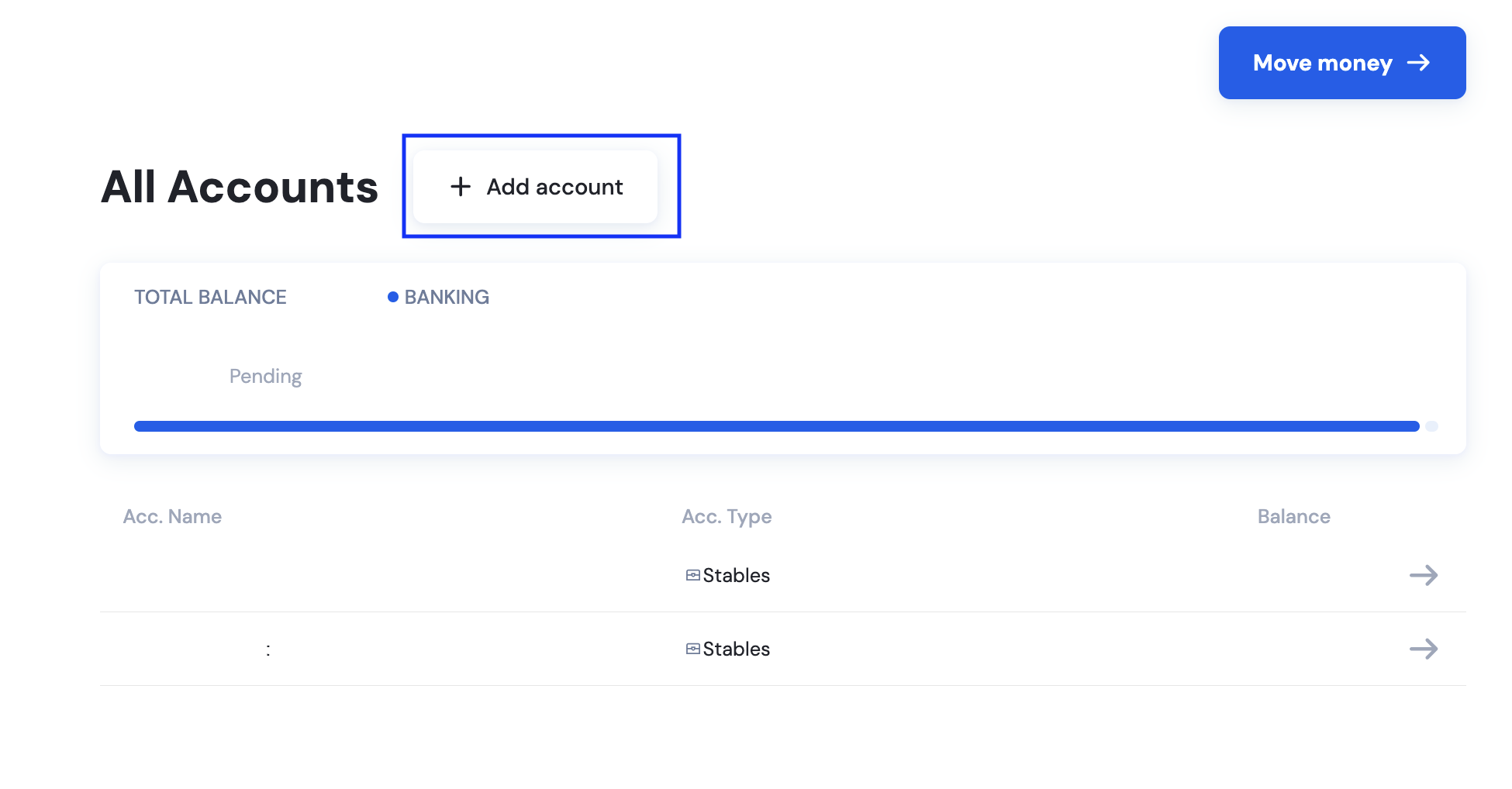
On your dashboard, click Add Account.
Enter a nickname for the account. You can edit it later by going to your accounts and clicking the edit icon.
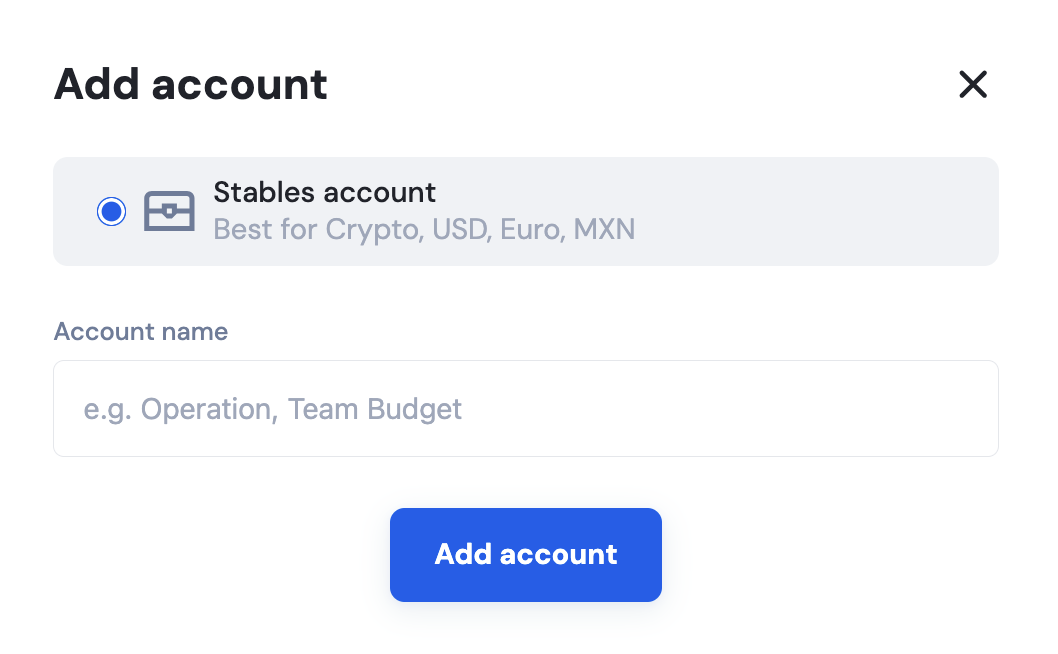
Click Add Account to confirm.
Related Articles: