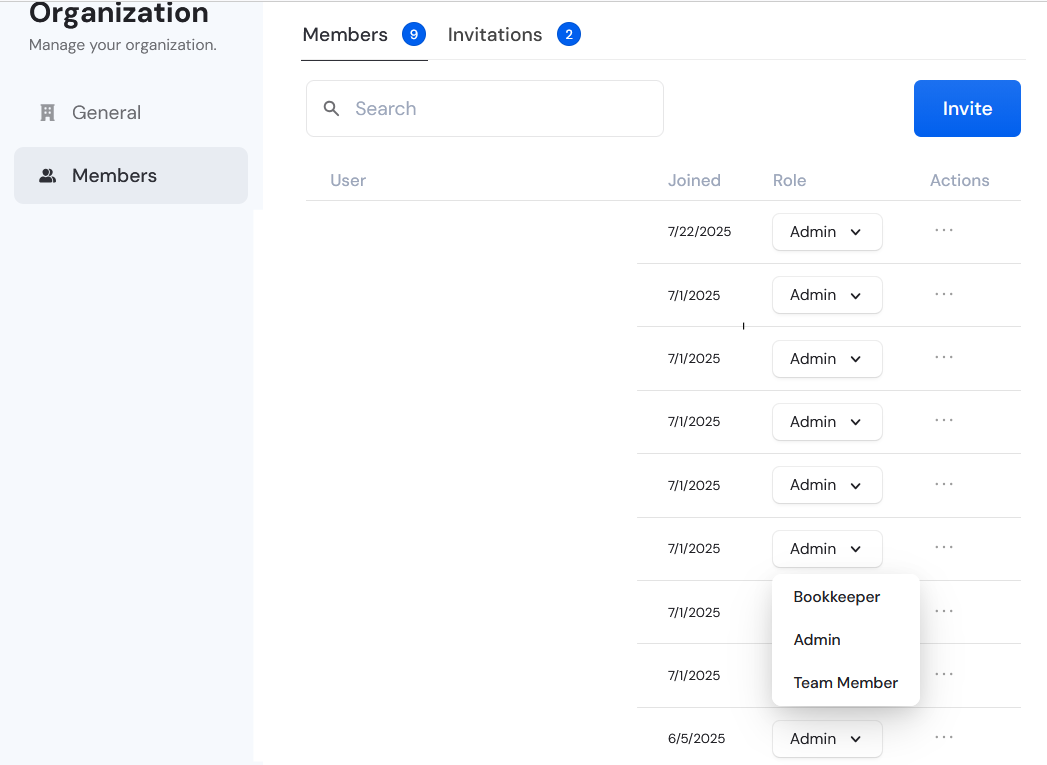
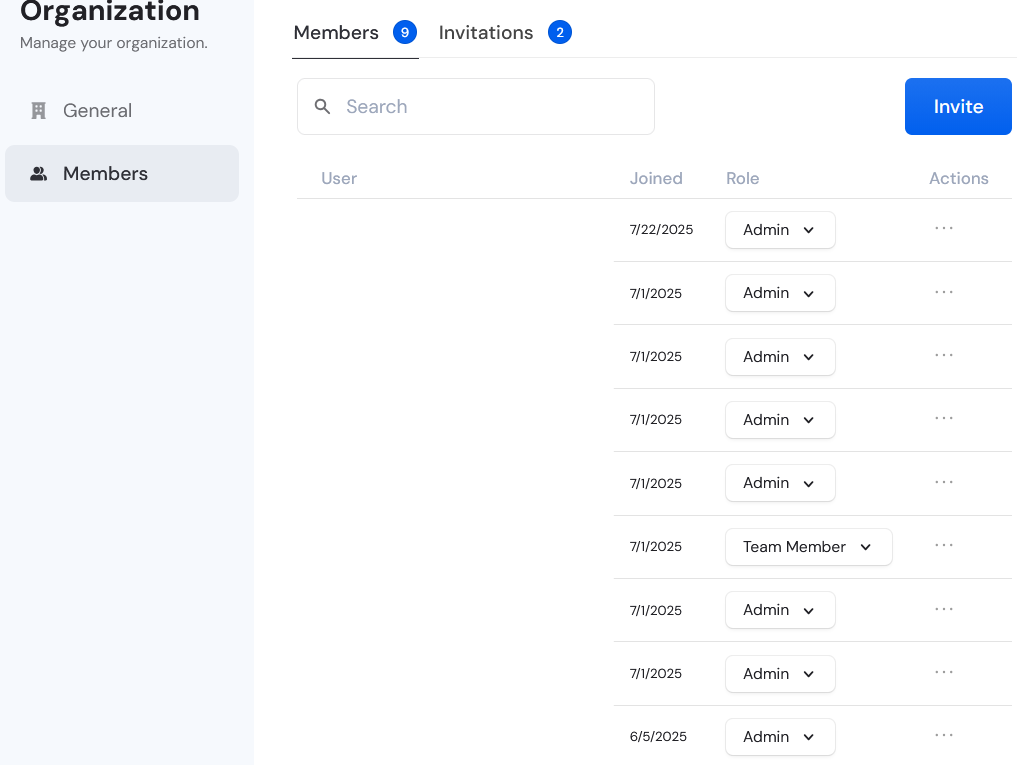
How do I change the roles of my organization's member?
Last updated: February 10, 2026
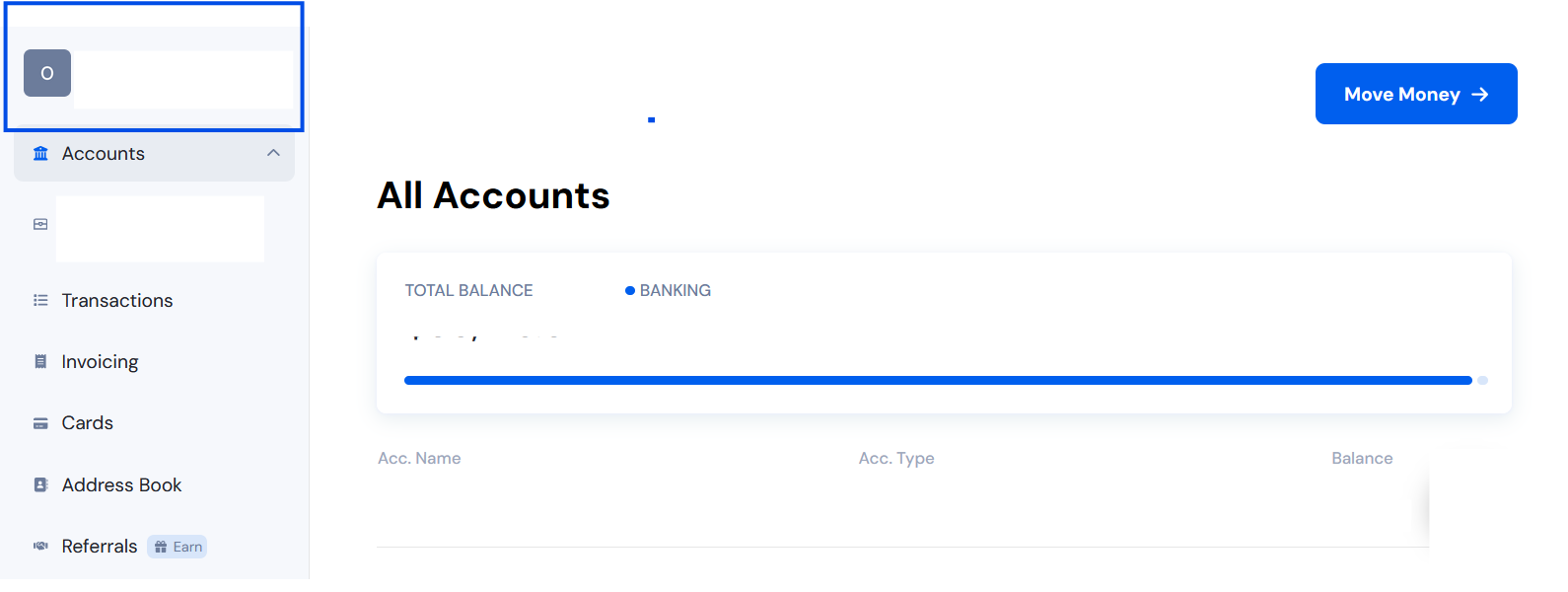
First, go to your Organization Menu. Click your organization’s name at the upper-left corner of the dashboard
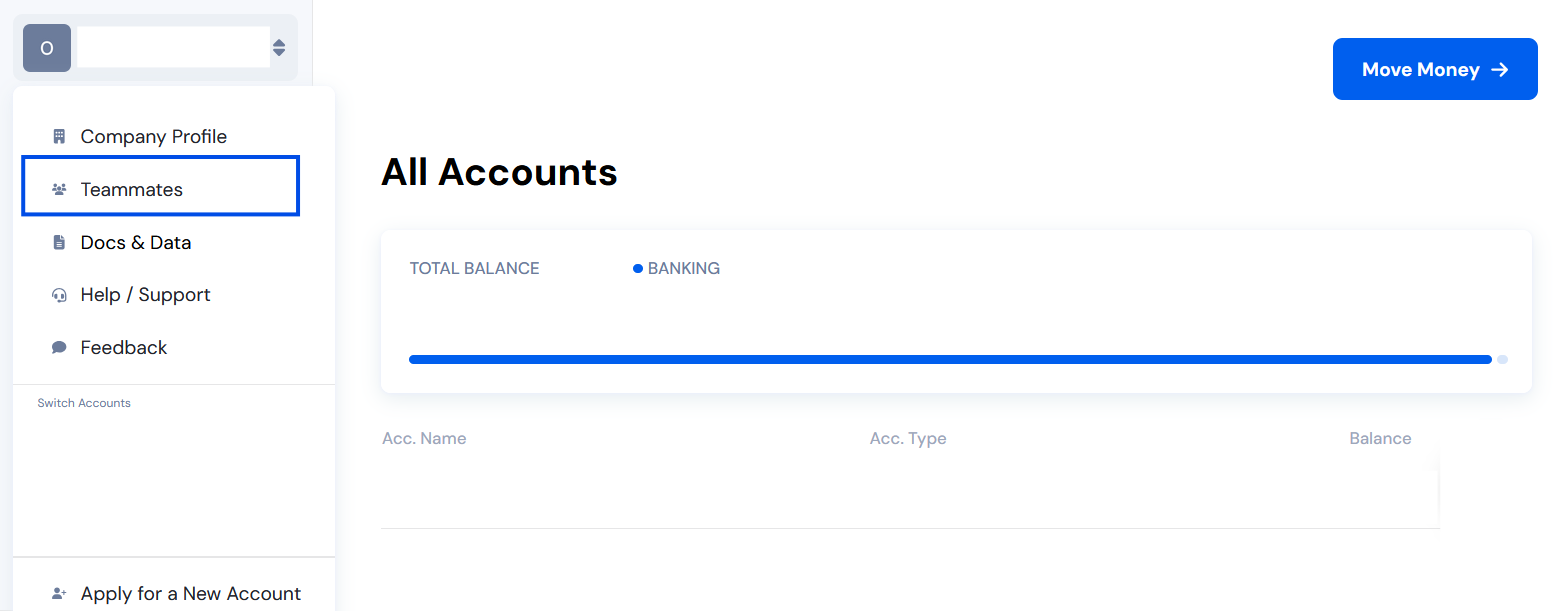
From the menu, select “Teammates.”
Click the dropdown menu next to the user's name and then click on a role. It will be saved automatically.