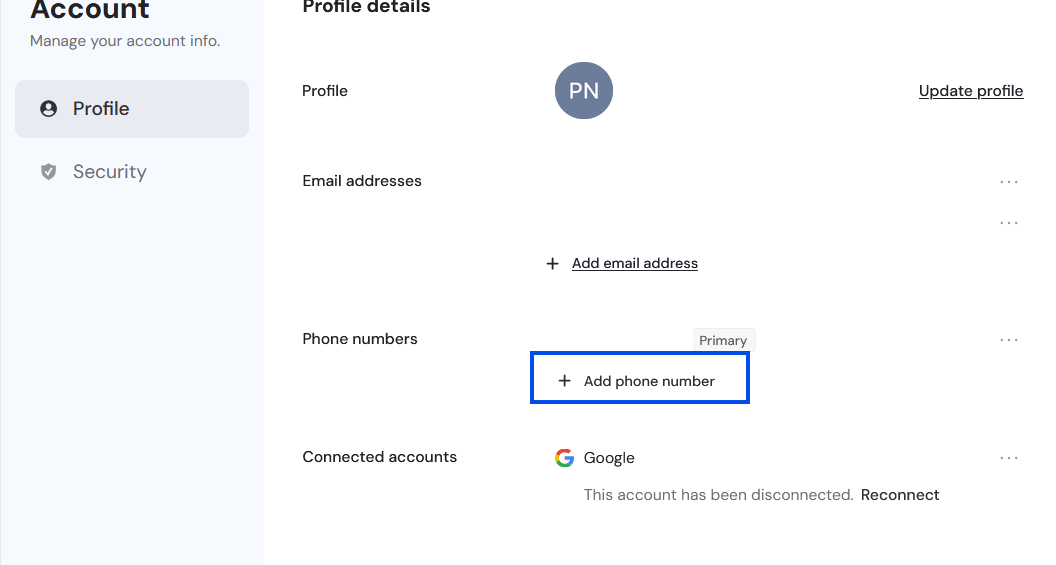
How can I change the email address or phone number associated with my account?
Last updated: May 20, 2026
Email address:
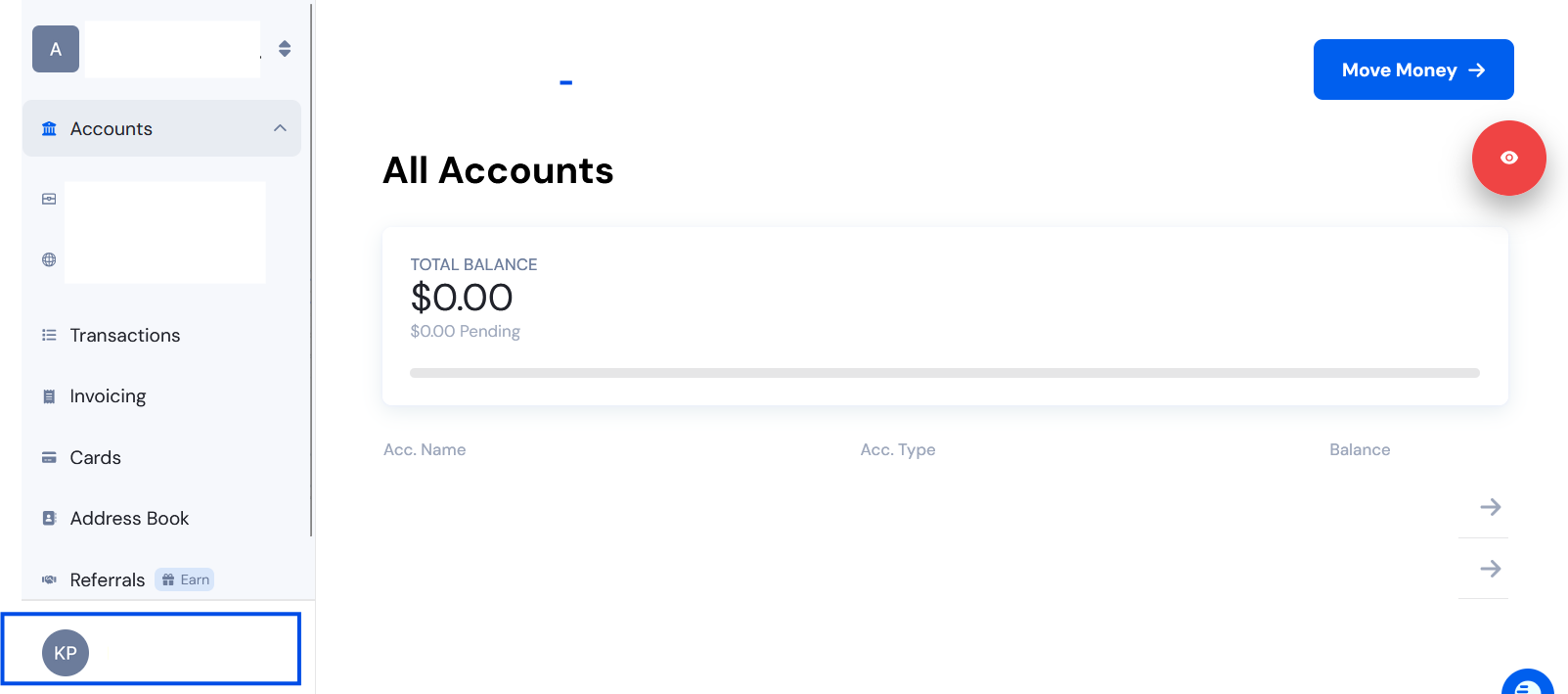
You can update your login email directly by going to My Profile (click your account name at the bottom left).
Click "add email address." Verify the email address through the code sent.
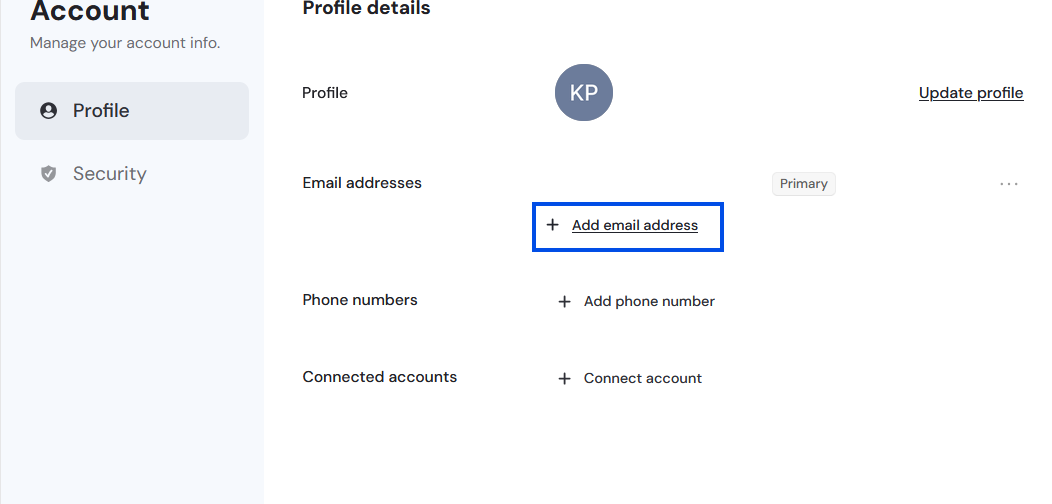
This only changes your login email. Your business email and receipts will still go to the original email unless you request a manual update through the chatwidget or support@onesafe.io. Manual updates are done with our provider and can take 2–3 weeks.
Phone number:
You can update your phone number directly by going to My Profile (click your account name at the bottom left).
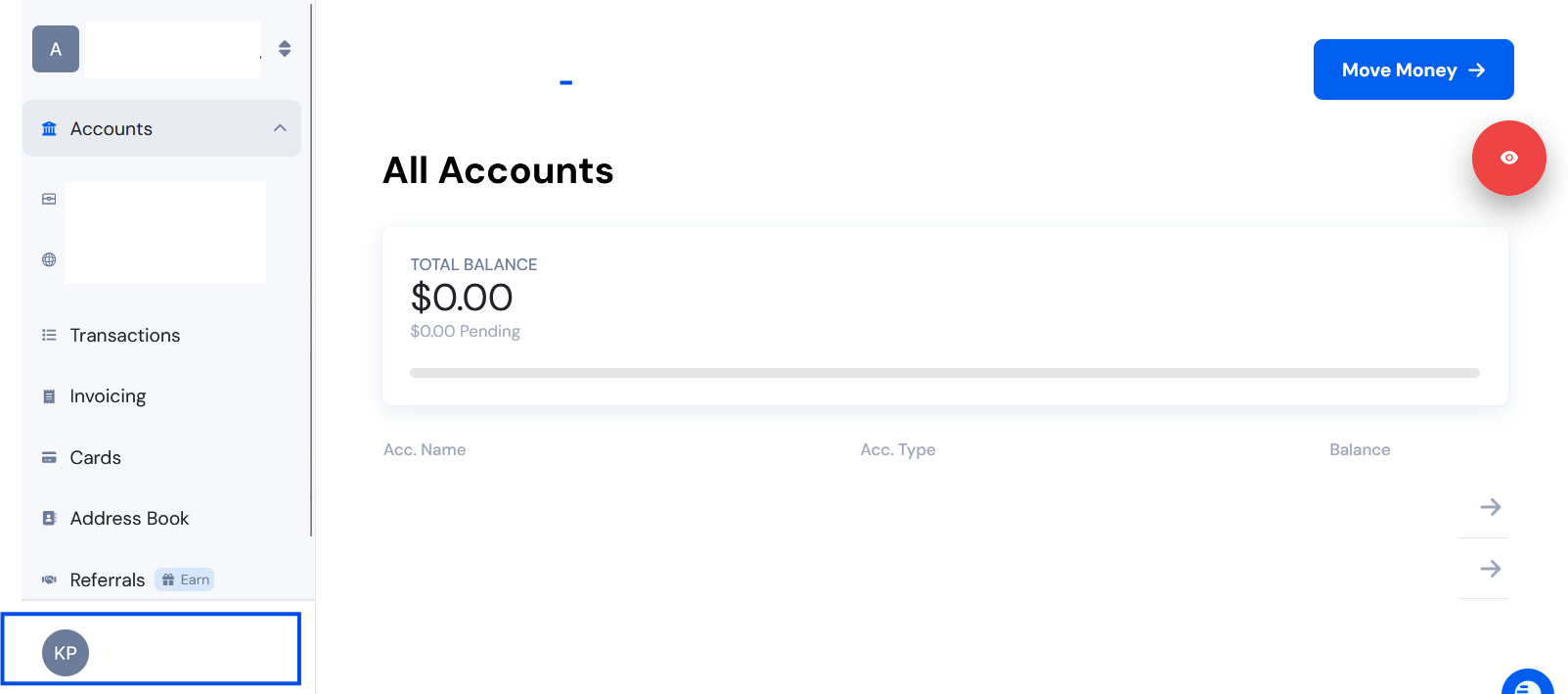
Click "add phone number." Verify the phone number through the code sent.