How do I set up 2FA if I cannot scan the QR code?
Last updated: August 17, 2026
If you're trying to set up 2FA for the first time and cannot scan the QR code, follow these steps:
1. Click "Can't scan QR code?" on the screen.
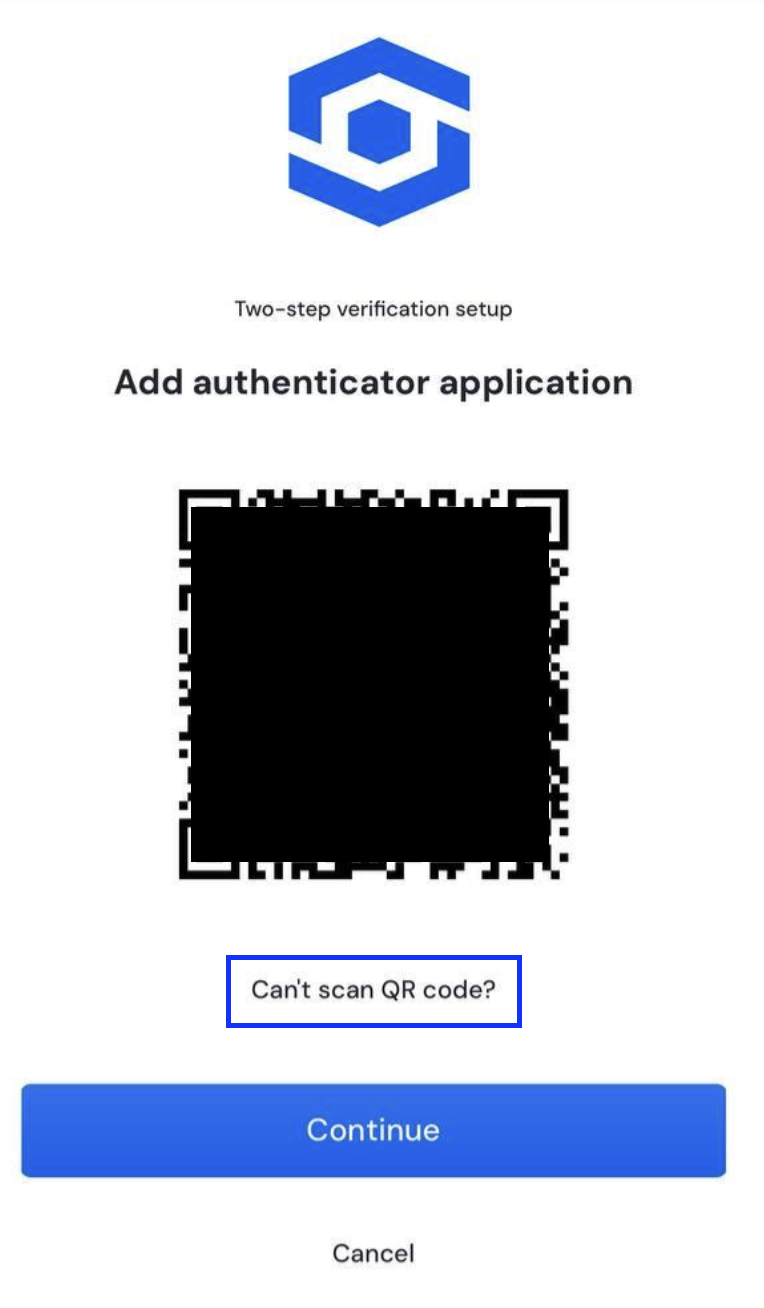
2. Copy the code shown. You may click the clipboard icon to instantly copy it.
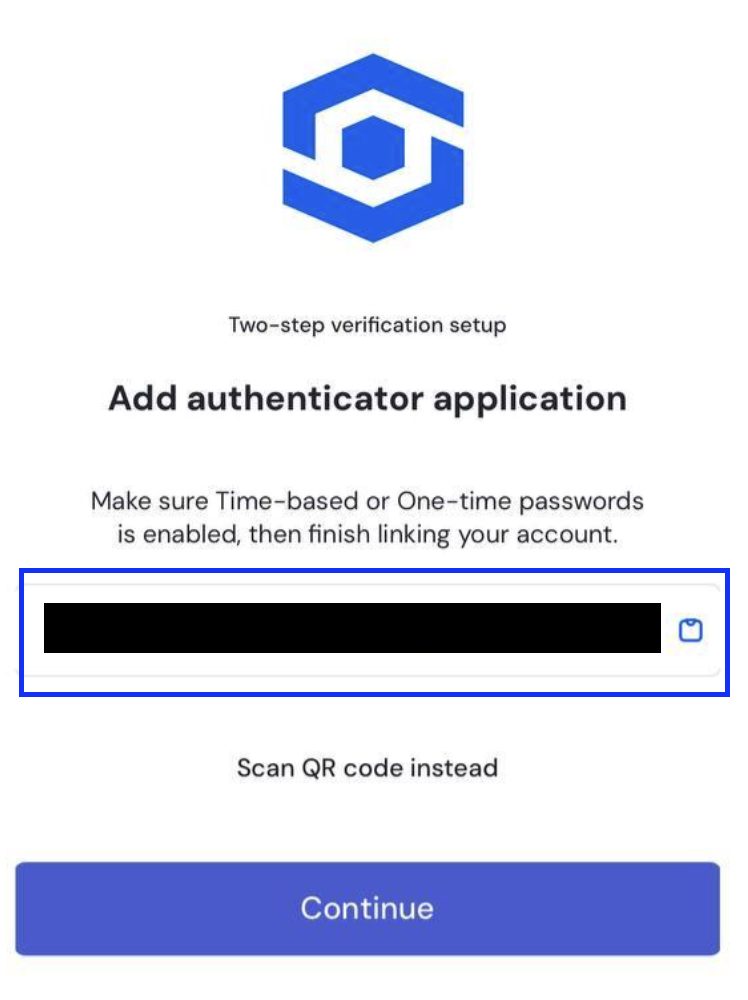
3. Open your authenticator app and click the option to add account. Then look for the option to add an account manually.
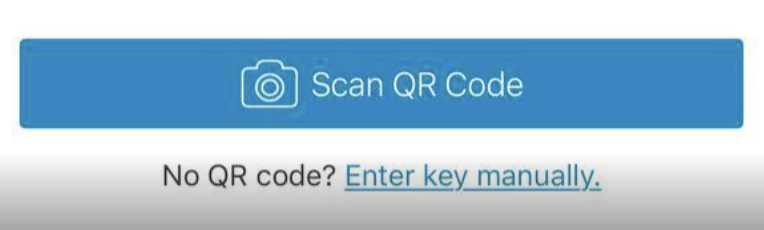
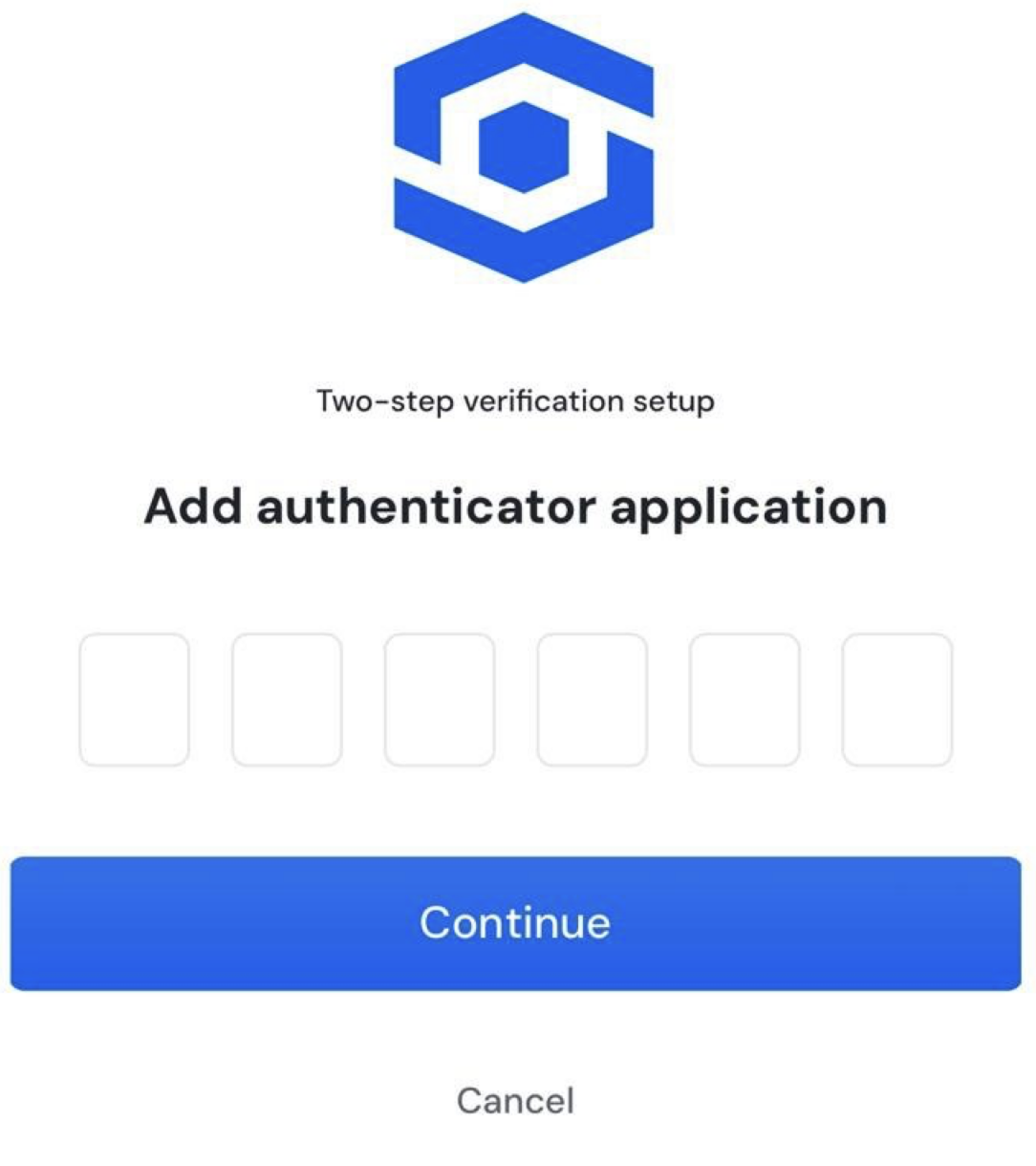
4. Paste the code to the field provided. Afterwards, enter the six-digit code to your OneSafe account to verify that you have connected your account with the 2FA app.
You may read more on setting up 2FA using other methods here:
📄 How to set up two-factor authentication (2FA)
📄 How to set up Two Factor Authentication (2FA) after login or signup?