How do I filter transactions by recipient name?
Last updated: July 13, 2026
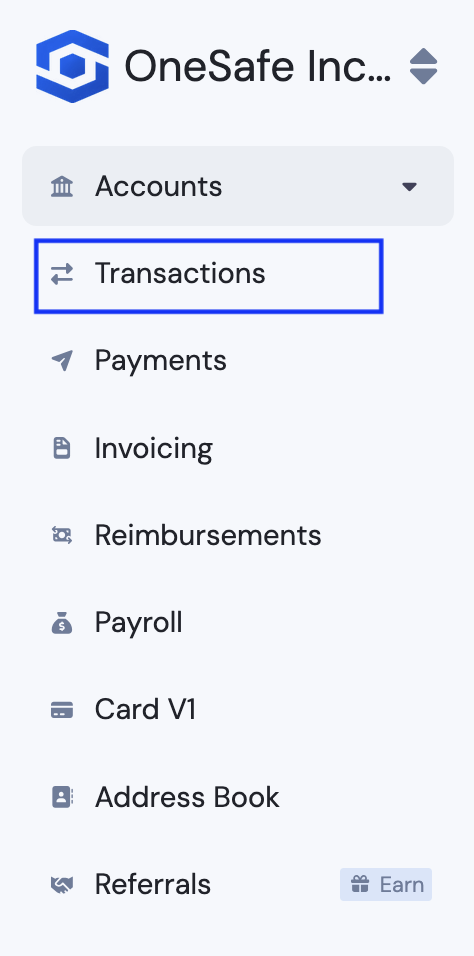
1. Go to Transactions.
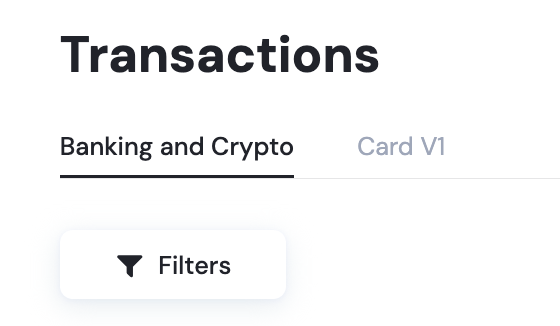
2. Click Filters.
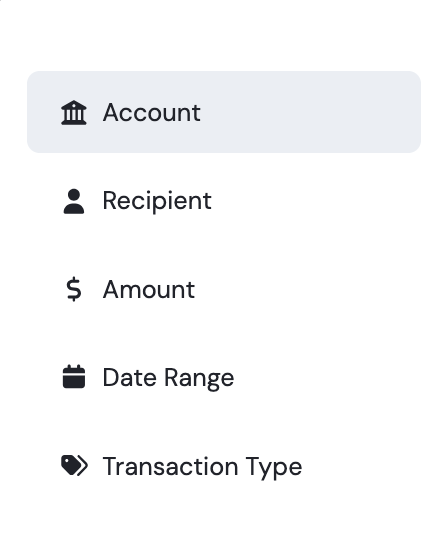
3. Select Recipient.
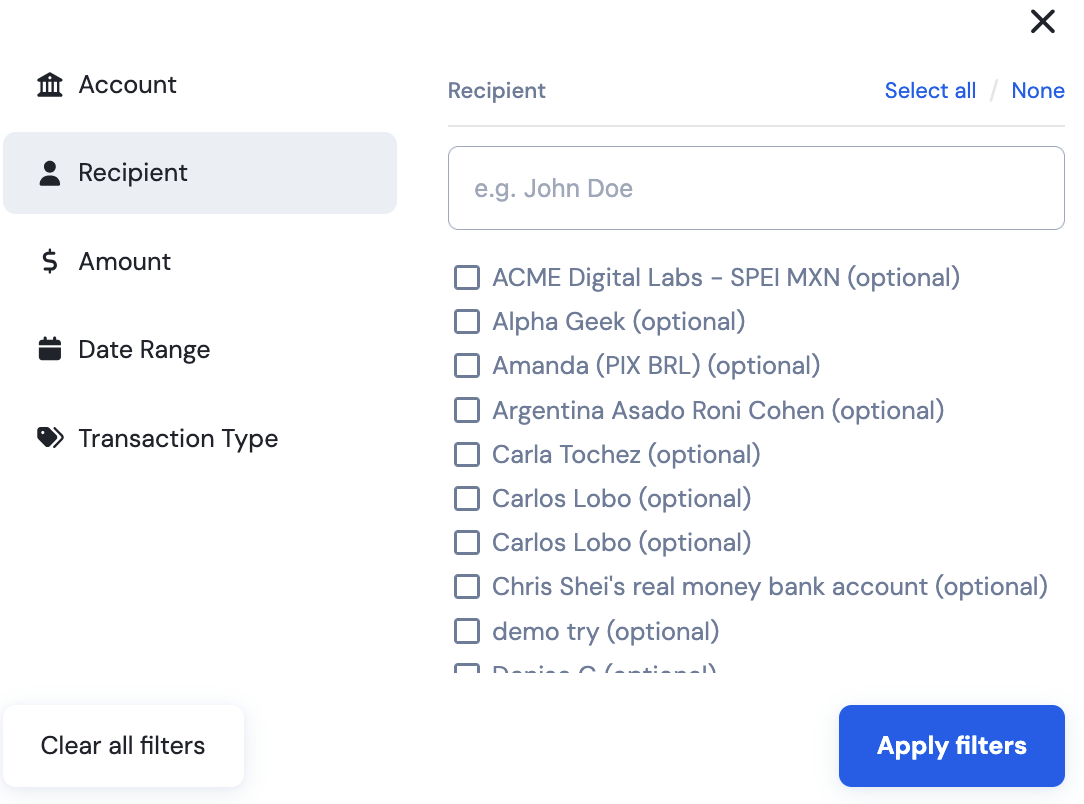
4. Type the recipient's nickname on the search bar and select the correct recipient, then click Apply Filters.
Last updated: July 13, 2026
1. Go to Transactions.
2. Click Filters.
3. Select Recipient.
4. Type the recipient's nickname on the search bar and select the correct recipient, then click Apply Filters.