How to cancel a scheduled or recurring payroll?
Last updated: June 25, 2026
Scheduled and recurring payrolls can be cancelled, unless they're set for today. Here are the steps for the admins to cancel a scheduled or recurring payroll:
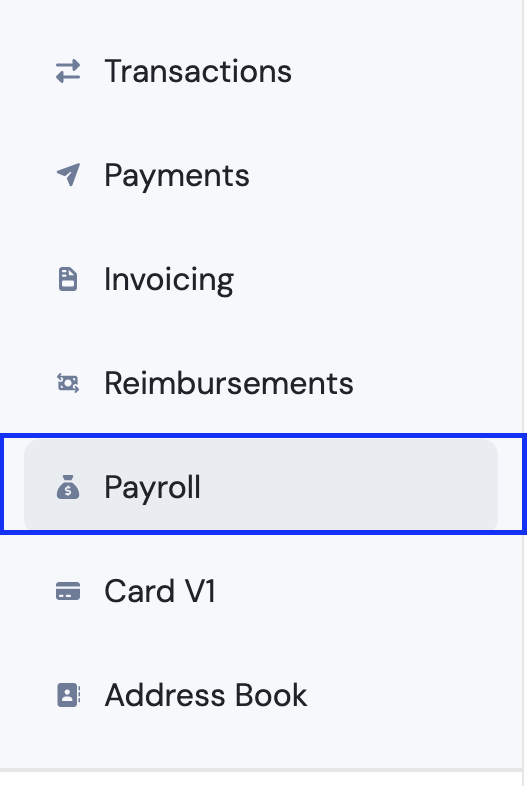
1. Go to Payroll.
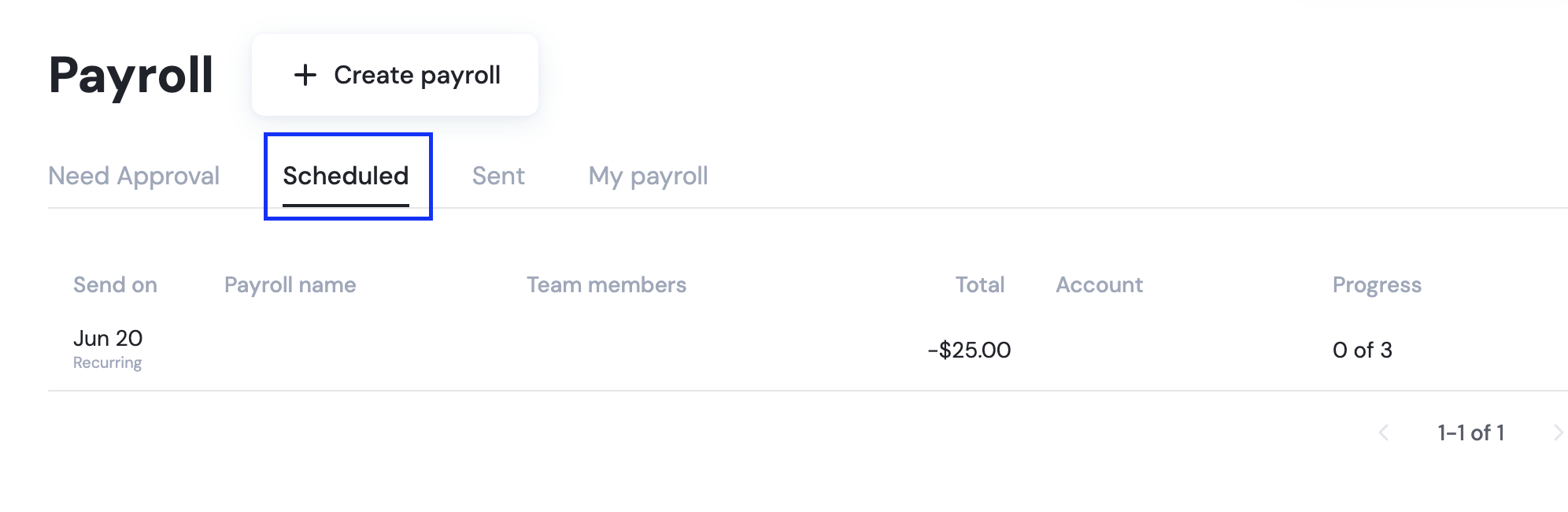
2. Then click on Scheduled.
3. Click on the scheduled payroll. There you can either cancel all of it at the upper right corner, or click on the payment to one team member.
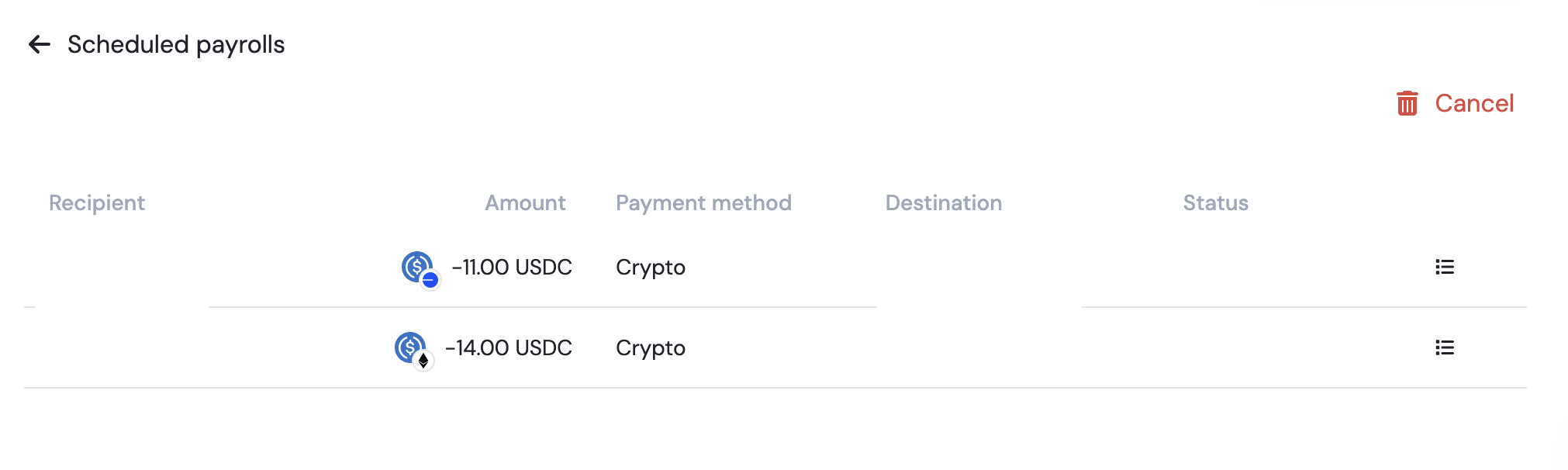
4. Click on the payment queued and on the appearing panel, click "Cancel Payment."

📄 What is Payroll, and how is it different from recurring or scheduled payments?