What is Payroll, and how is it different from recurring or scheduled payments?
Last updated: June 25, 2026
Payroll is OneSafe's tool for compensating your organization's members in bulk. Rather than sending individual payments, you select the team members you want to pay, enter amounts, and send everything at once. Payroll can also be automated on a weekly, monthly, or yearly schedule, so you don't have to trigger it manually each cycle.
How is Payroll different from recurring or scheduled payments?
All three involve sending money on a timeline, but they serve different purposes:
Payroll is specifically for paying members of your OneSafe organization. It's batch-based and built around your team structure.
Recurring payments are repeating transactions for any payee — vendors, contractors, subscriptions — outside your organization. They run automatically on your chosen schedule.
Scheduled payments are one-time payments set to send on a future date.
Use Payroll for your team. Use recurring or scheduled payments for everything else.
To create a payroll:
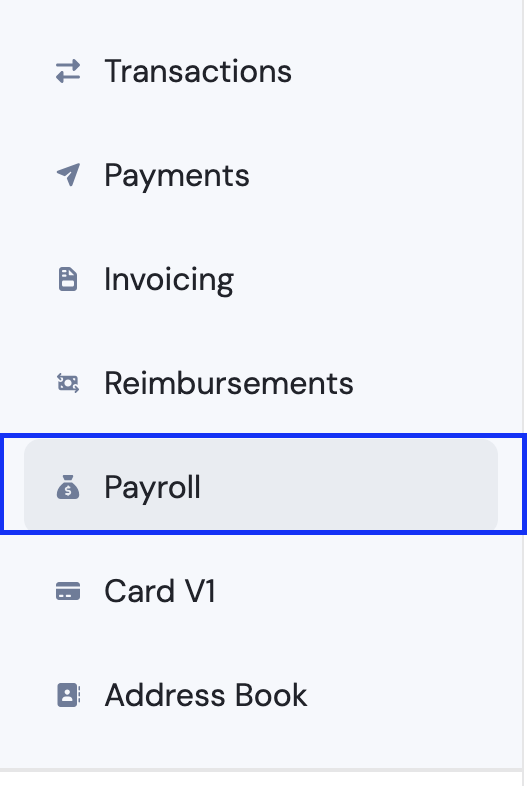
Click "Payroll."
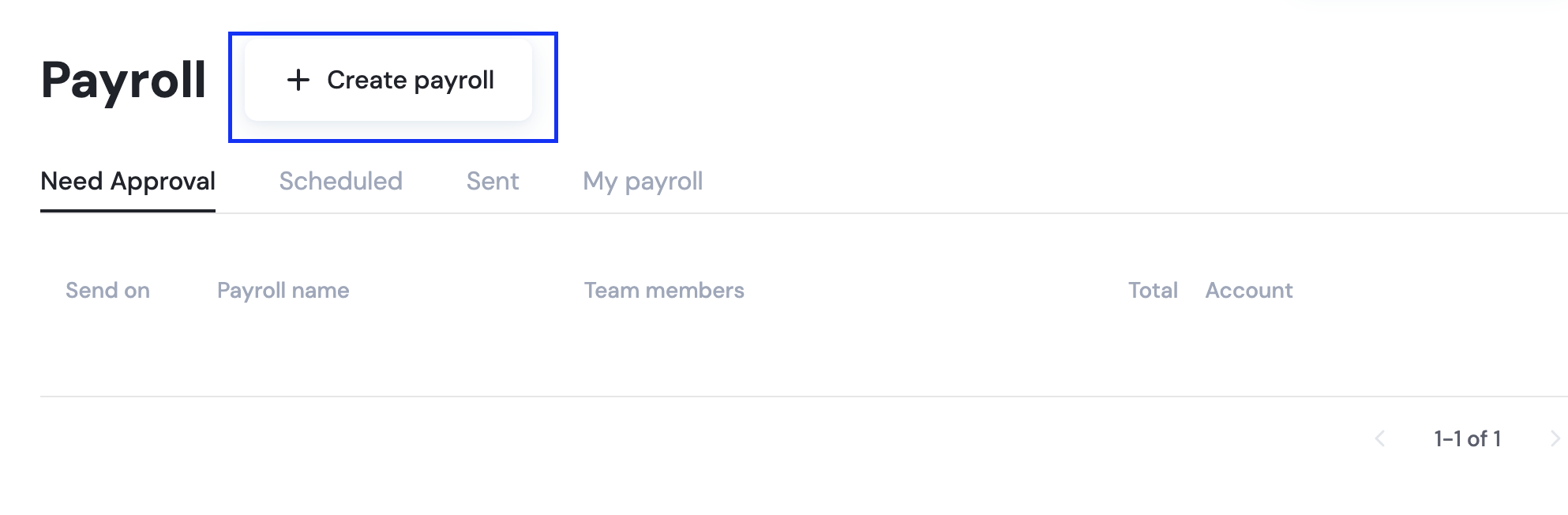
Select "Create Payroll"
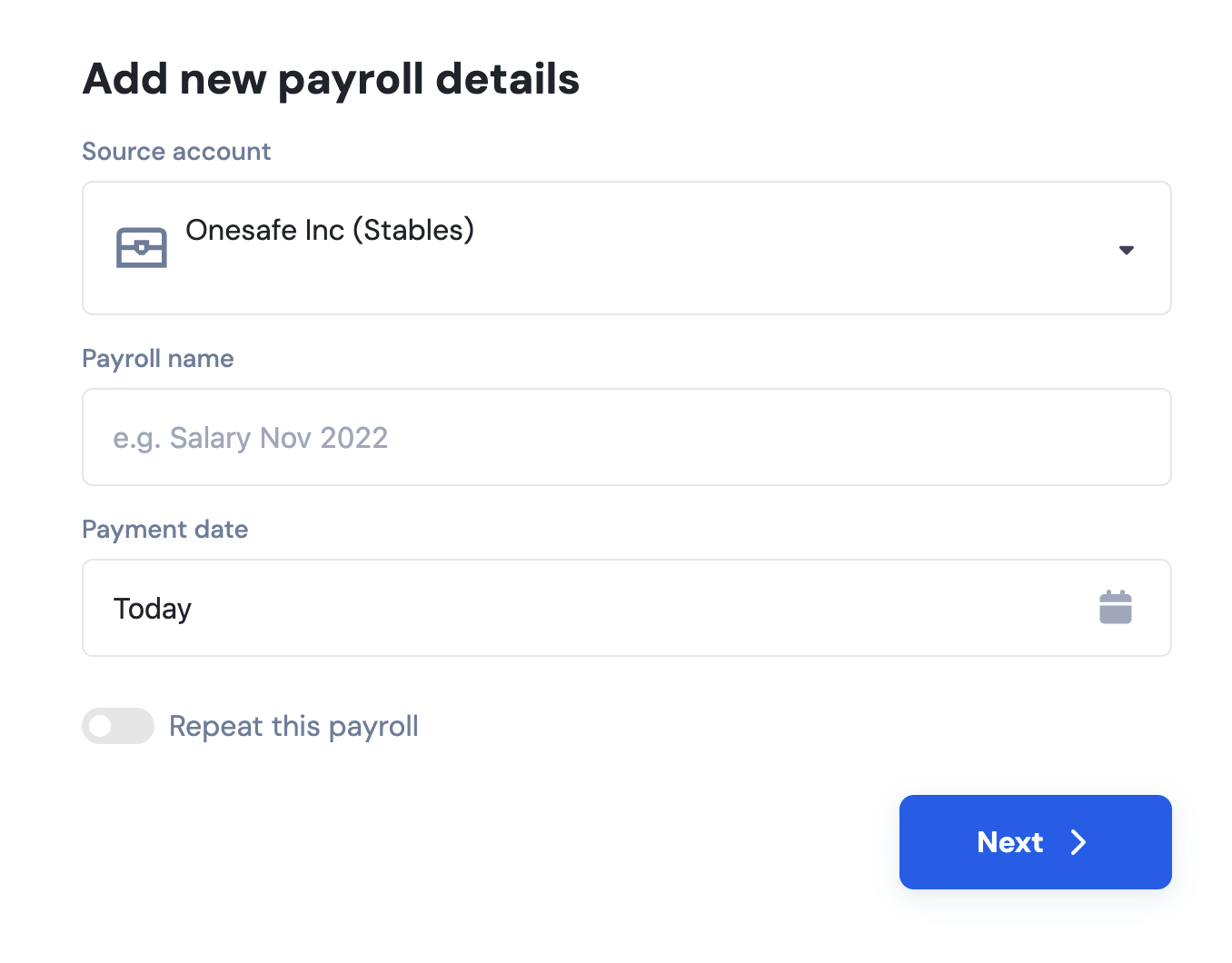
Enter the payroll details: source account, payroll name, payment date, and whether this will be a recurring payment.
📄 How to Make Recurring Payments
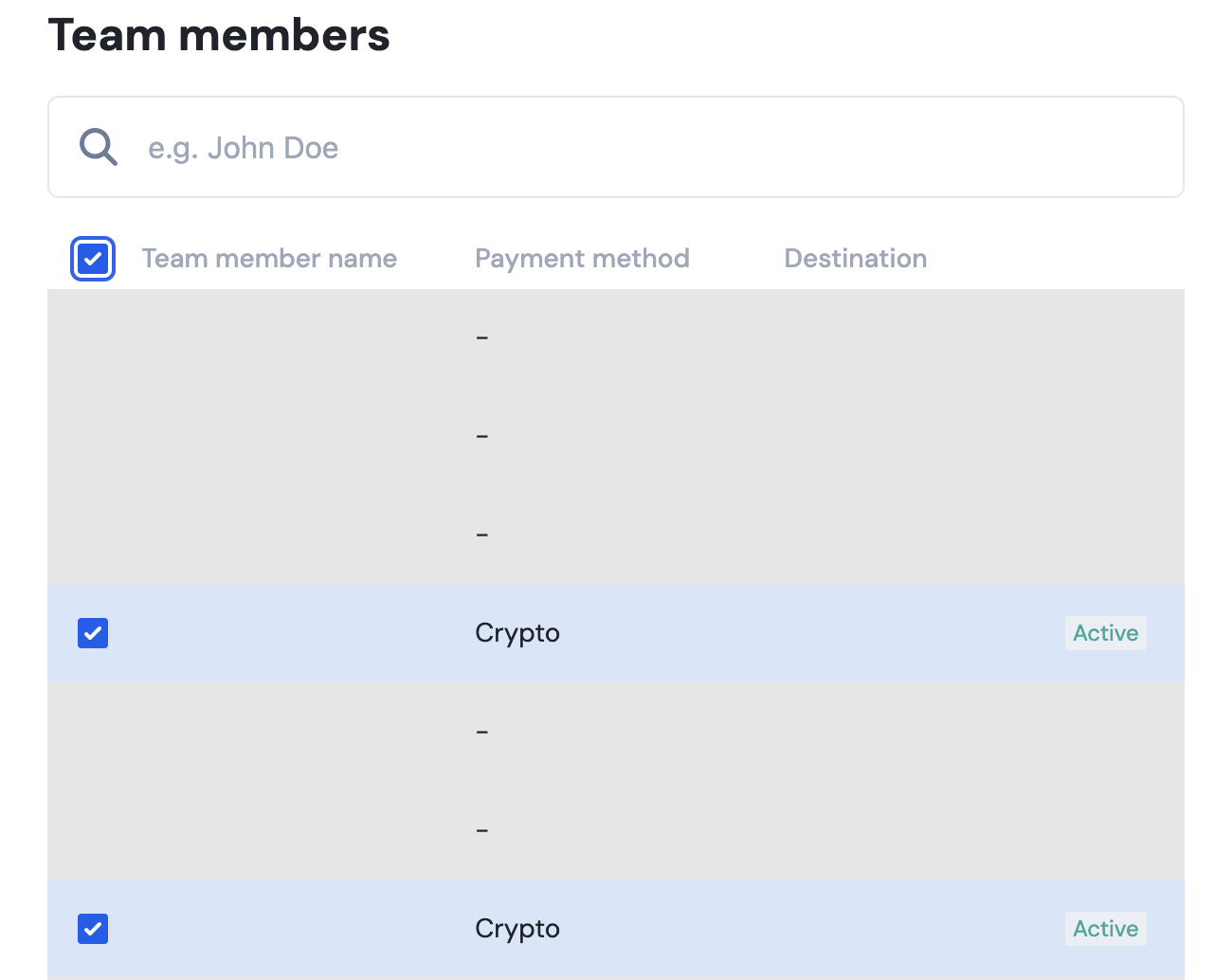
Select the team members to include by checking the box next to each name, then click Next. Team members must have payment details on file to appear here.
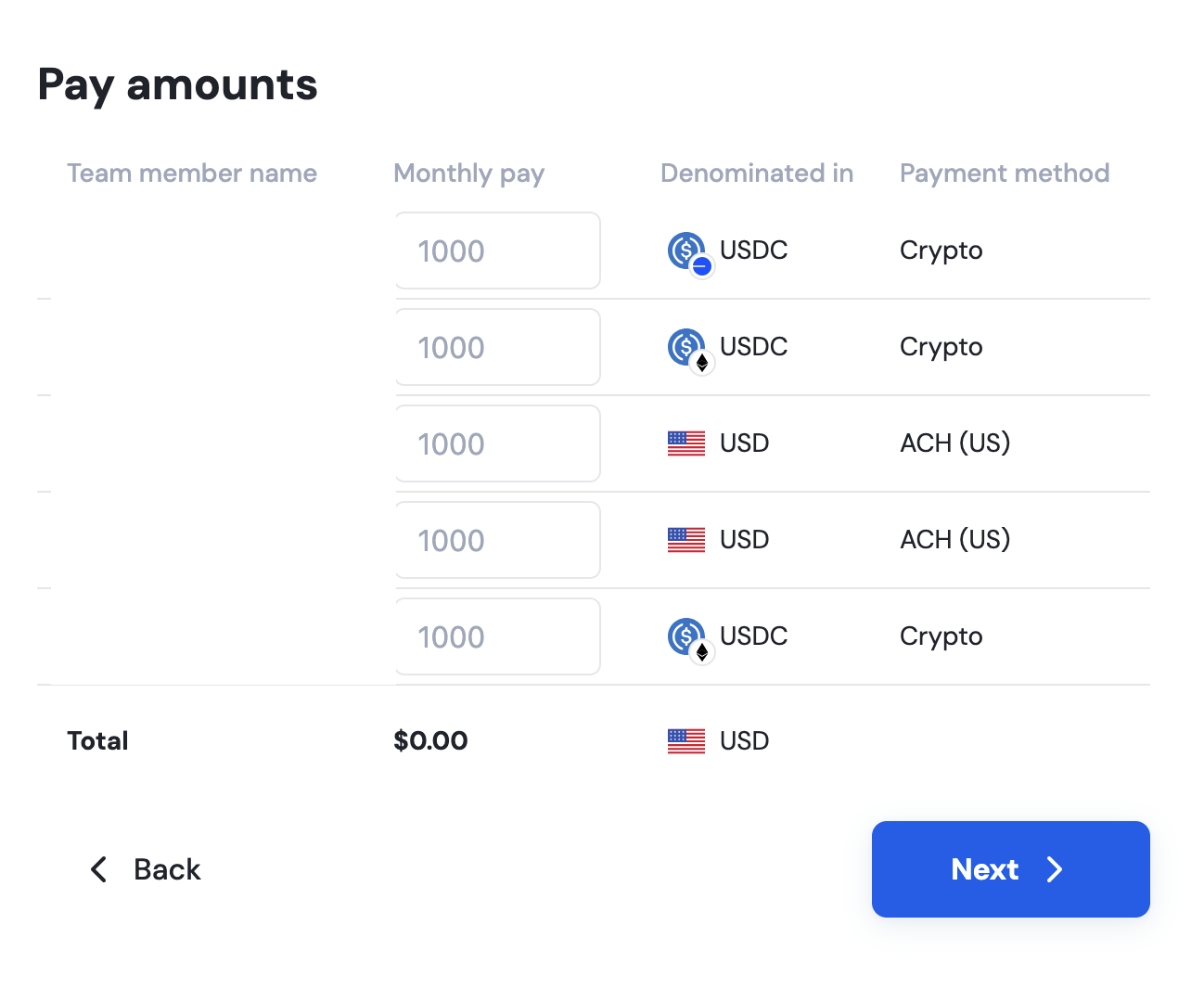
Enter the payment amount for each recipient, then click Next.
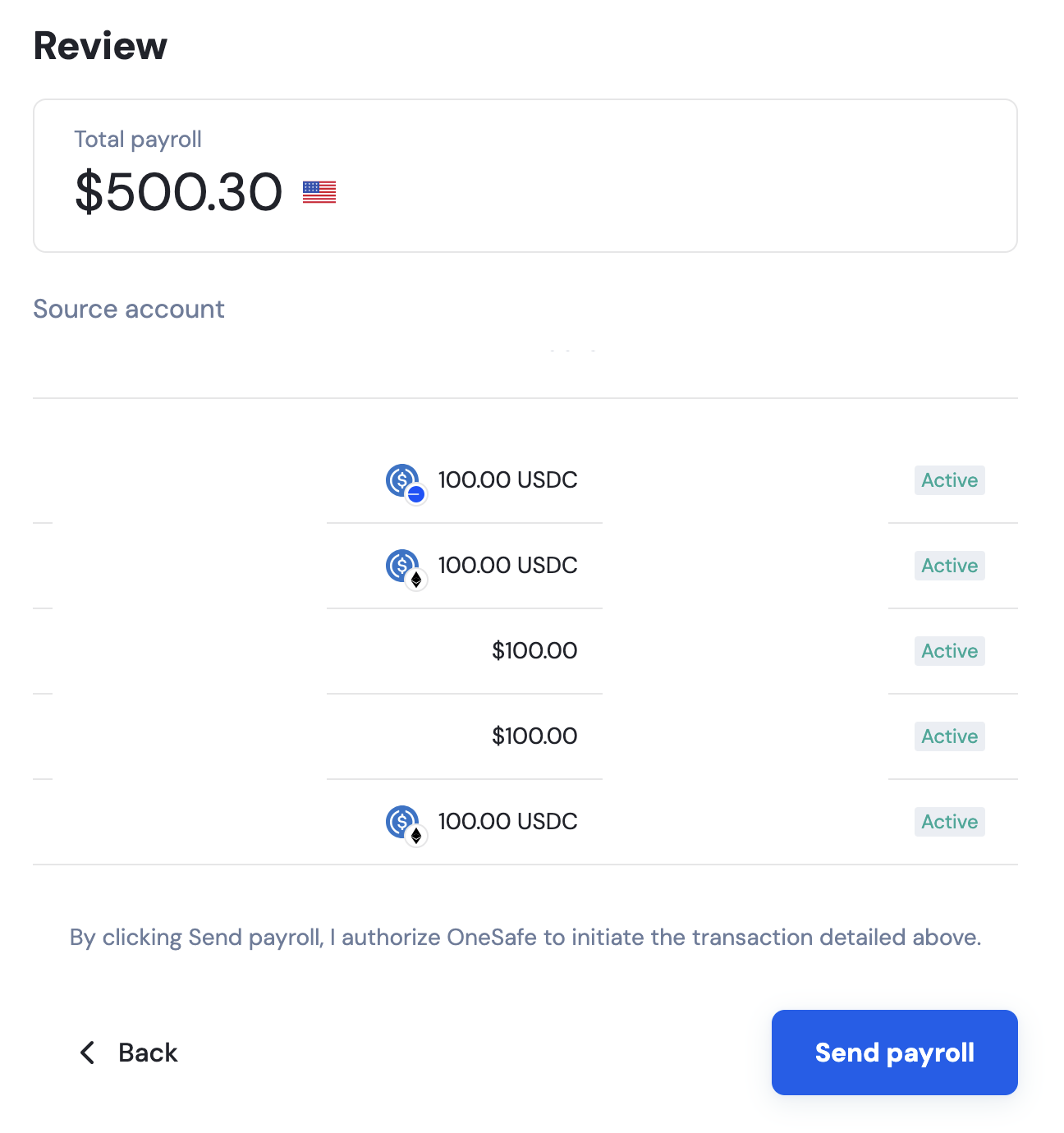
Review the details and click Send Payroll.
📄 How do I add payment details on my account for reimbursements or payroll?
📄 How to approve or decline a payroll request?