How do I add payment details on my account for reimbursements or payroll?
Last updated: June 25, 2026
Payment details are required before you can receive reimbursements or be added to payroll.
Before you start
Only team members, admins and payment requesters can add their own payment details.
Admins cannot add or edit payment details on behalf of team members.
How to add your payment details
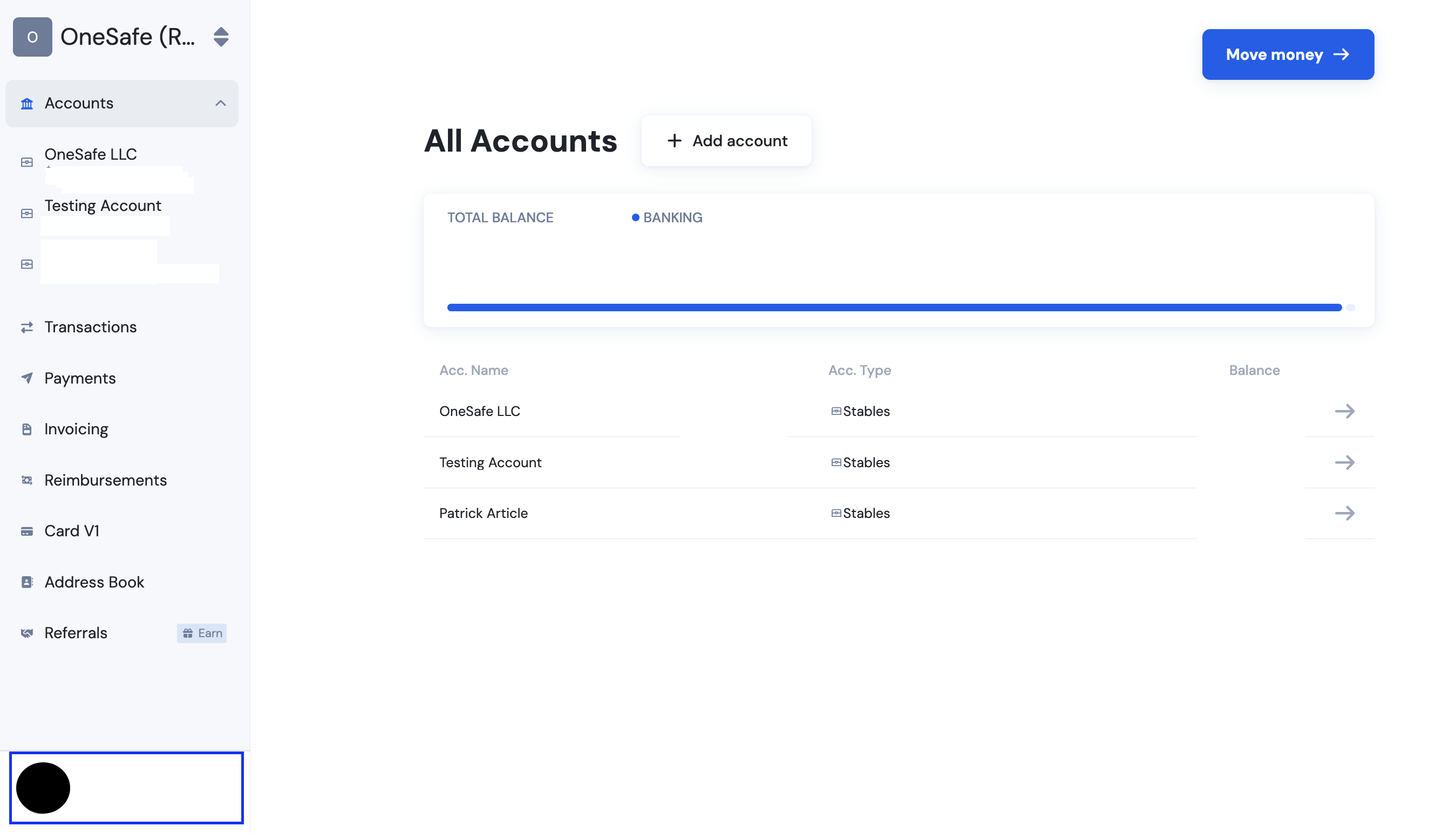
Click on your username at the lower left corner.
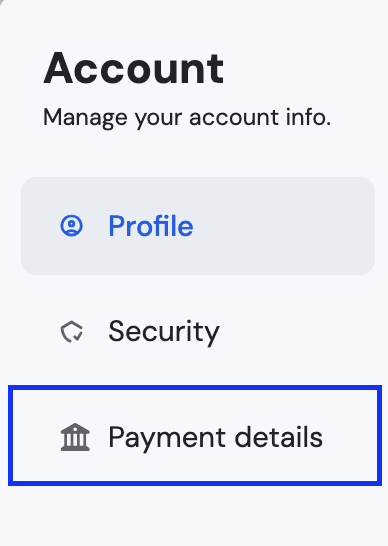
Select "Payment Details."
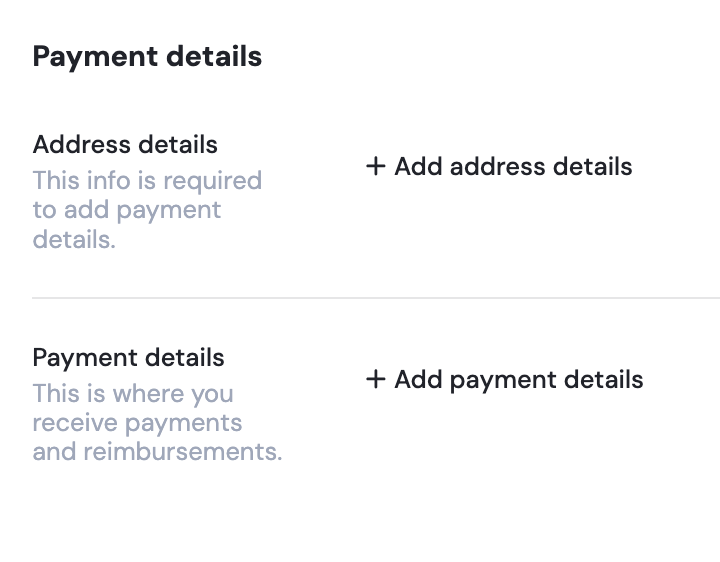
Add your address details, and then your payment details.
Address details are required before you can add payment details.
Click Add Address Details and complete the form. Once your address is saved, click Add Payment Details and enter the required information for where you want to receive reimbursements.
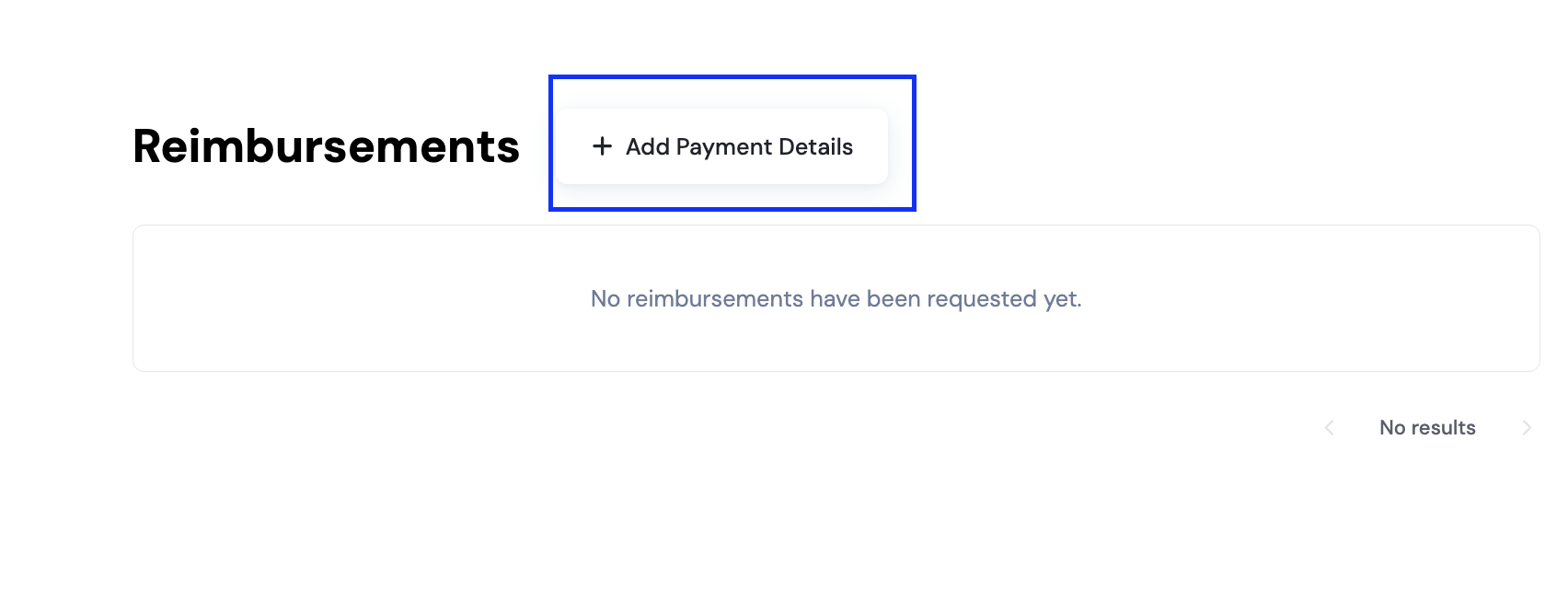
You may also add your payment details through the Reimbursements Tab
Go to the Reimbursements tab
From your dashboard, open Reimbursements and click Add Payment Details.
Add your address details
Address details are required before you can add payment details.
Click Add Address Details and complete the form.
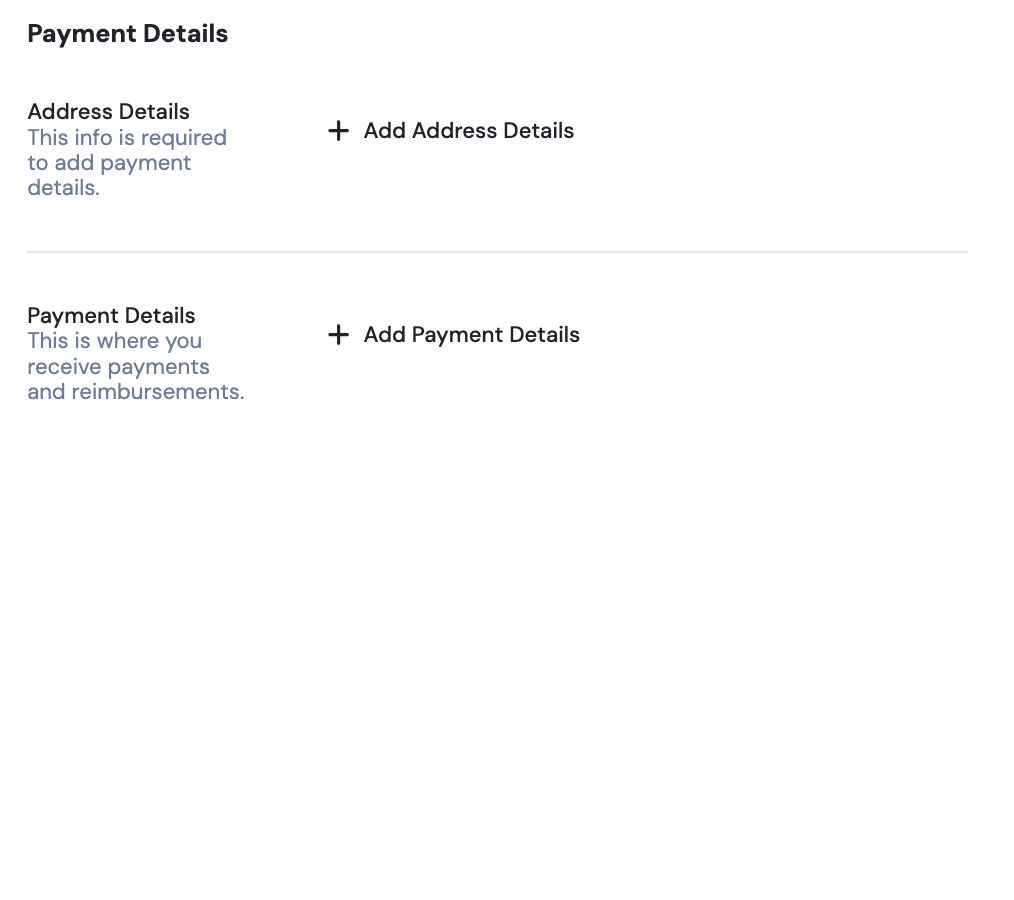
Add your payment details
Once your address is saved, click Add Payment Details and enter the required information for where you want to receive reimbursements.
Save your details
After saving, your payment details will be available for future reimbursement requests.
What happens next?
Your saved payment details will be used when you submit a reimbursement request and when an admin creates a payroll.
You won’t need to re-enter them unless something changes.
Admins will be able to review your payment details when approving reimbursements and creating payroll.
📄 How to request a reimbursement?
📄 What is Payroll, and how is it different from recurring or scheduled payments?