Can I see reports or insights on how my business is spending?
Last updated: September 3, 2026
The Insights tab shows you how your business is doing.
Overview: a quick snapshot of revenue, expenses, profit for any period, and trends over time.
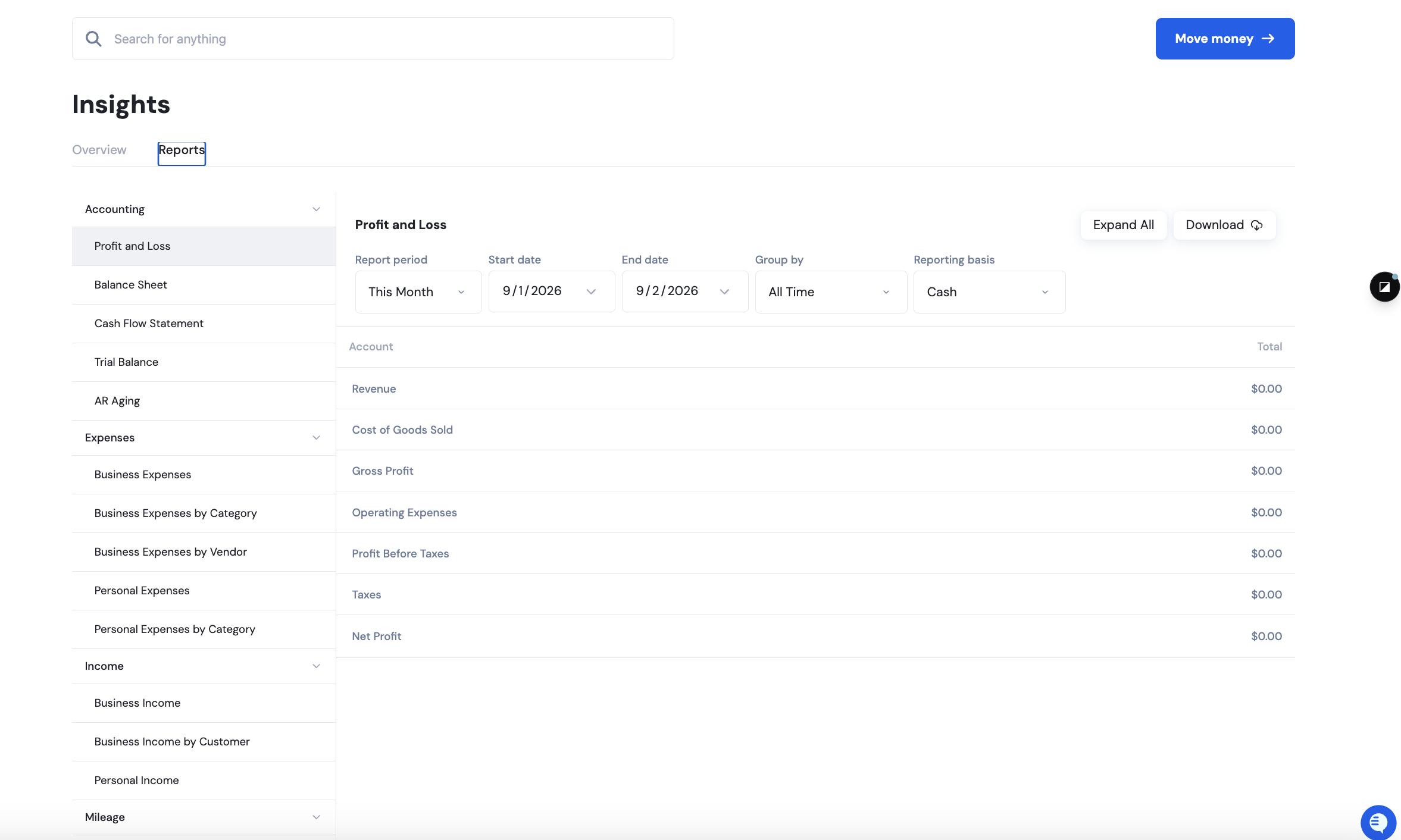
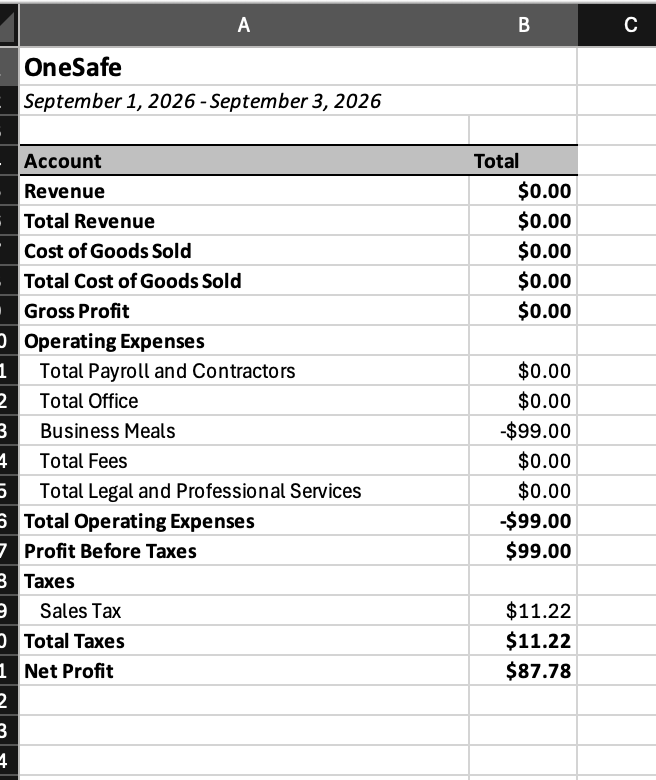
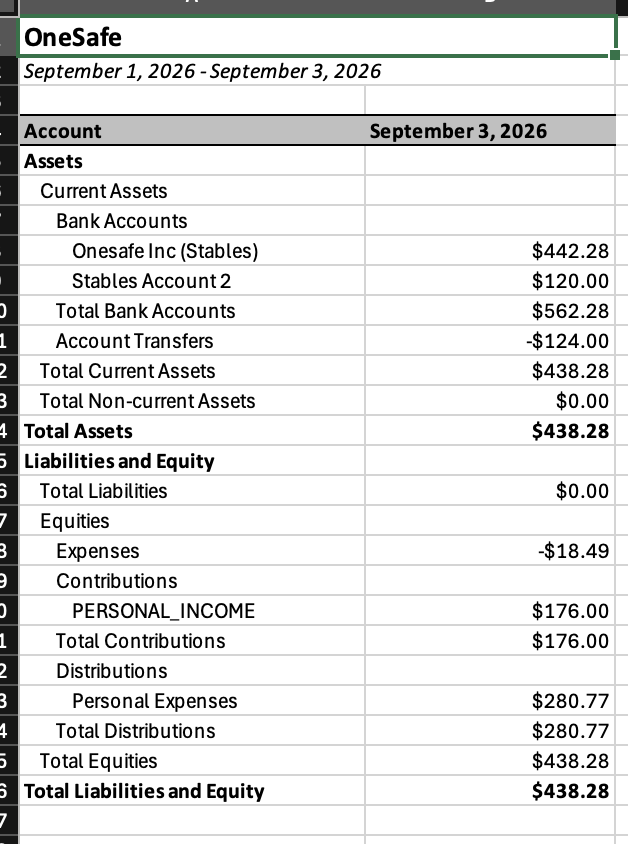
Reports: full financial reports including profit and loss, balance sheet, and cash flow, built automatically from your transactions.
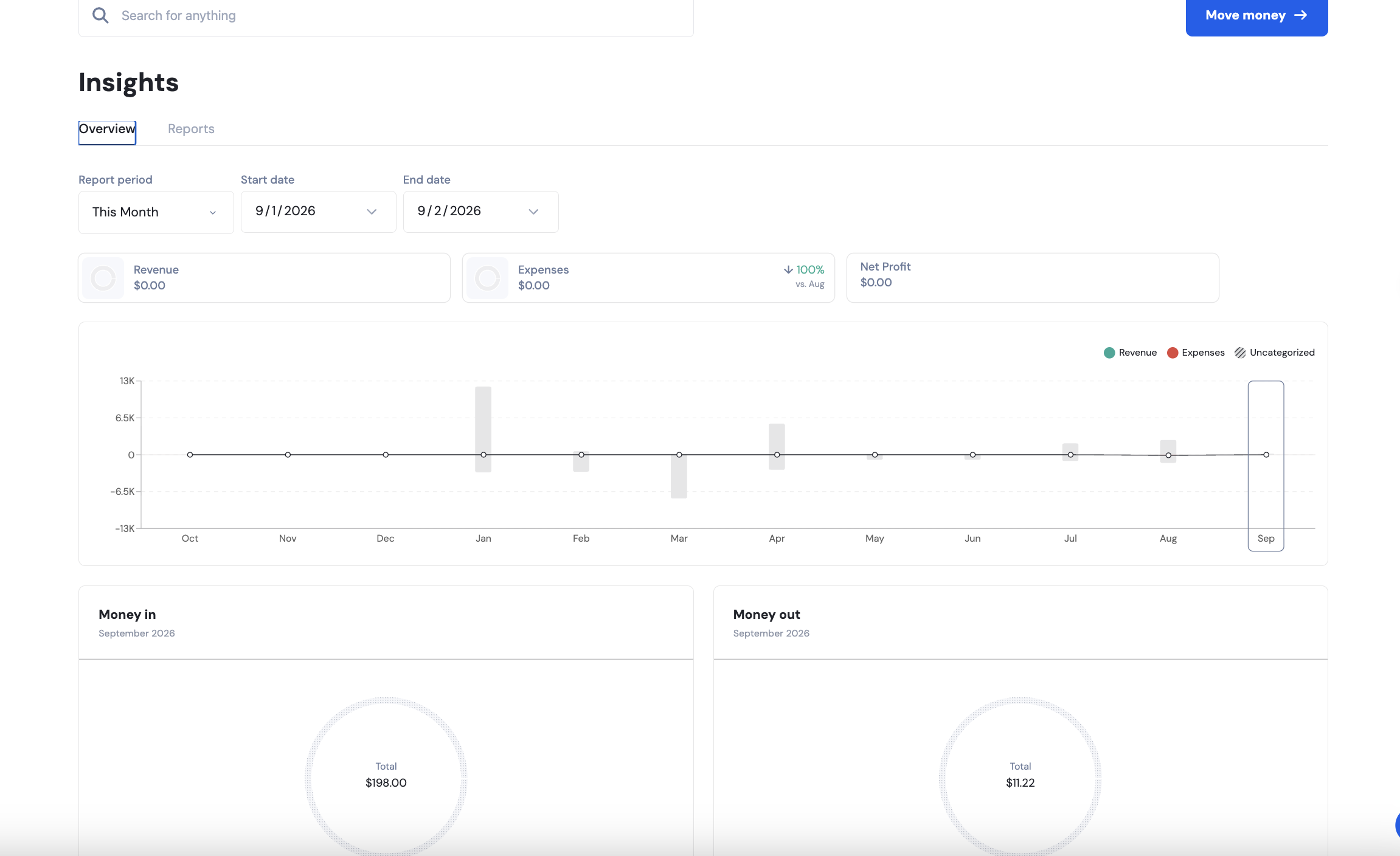
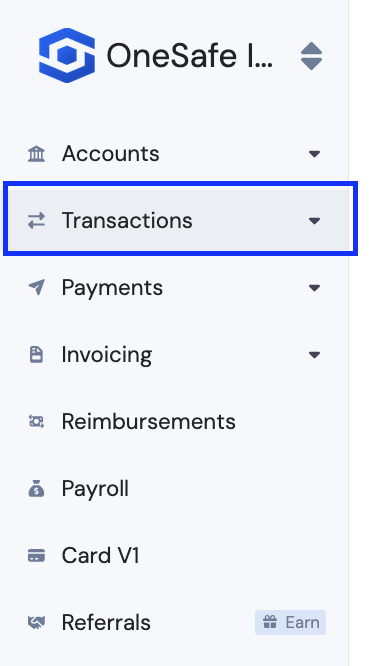
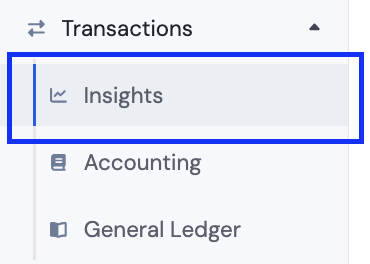
This is how to navigate to the Insights tab:
Expand "Transactions"
Navigate to Insights.
Click download so you may download different reports such as Profit and Loss and Balance sheet.
Read more here:
📄 Can I do my accounting on OneSafe? Is OneSafe integrated with any accounting software?