Can I download my financial reports?
Last updated: September 3, 2026
Yes. Once your transactions are categorized, OneSafe automatically builds a full set of financial reports you can download anytime such as your core financial statements to tax-ready forms to mileage and time logs. Here's how it all fits together.
General Ledger
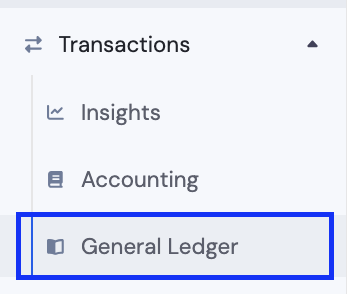
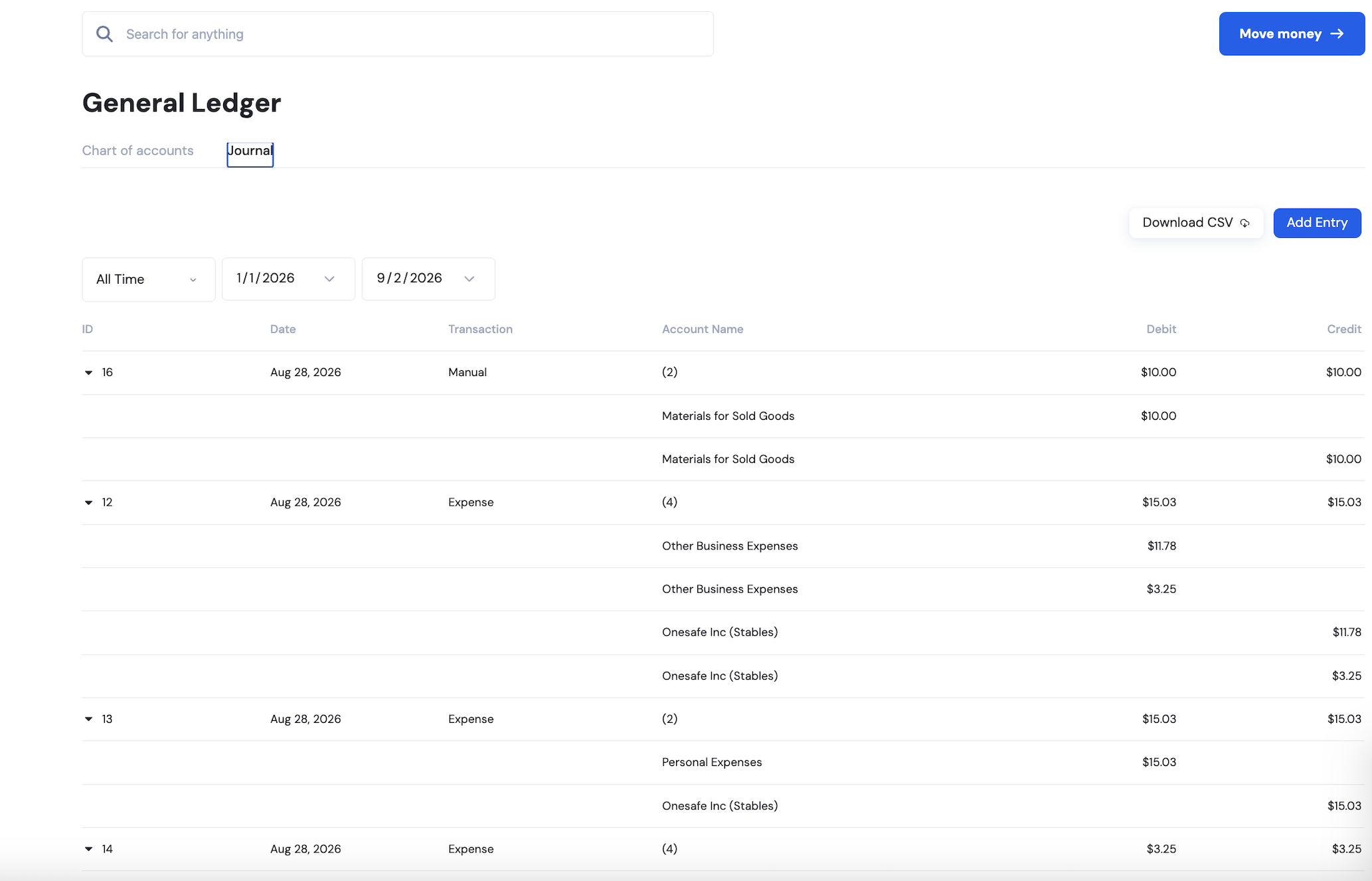
Once you categorize a transaction, as cost of goods, bank fees, or whatever fits, it flows into the General Ledger.
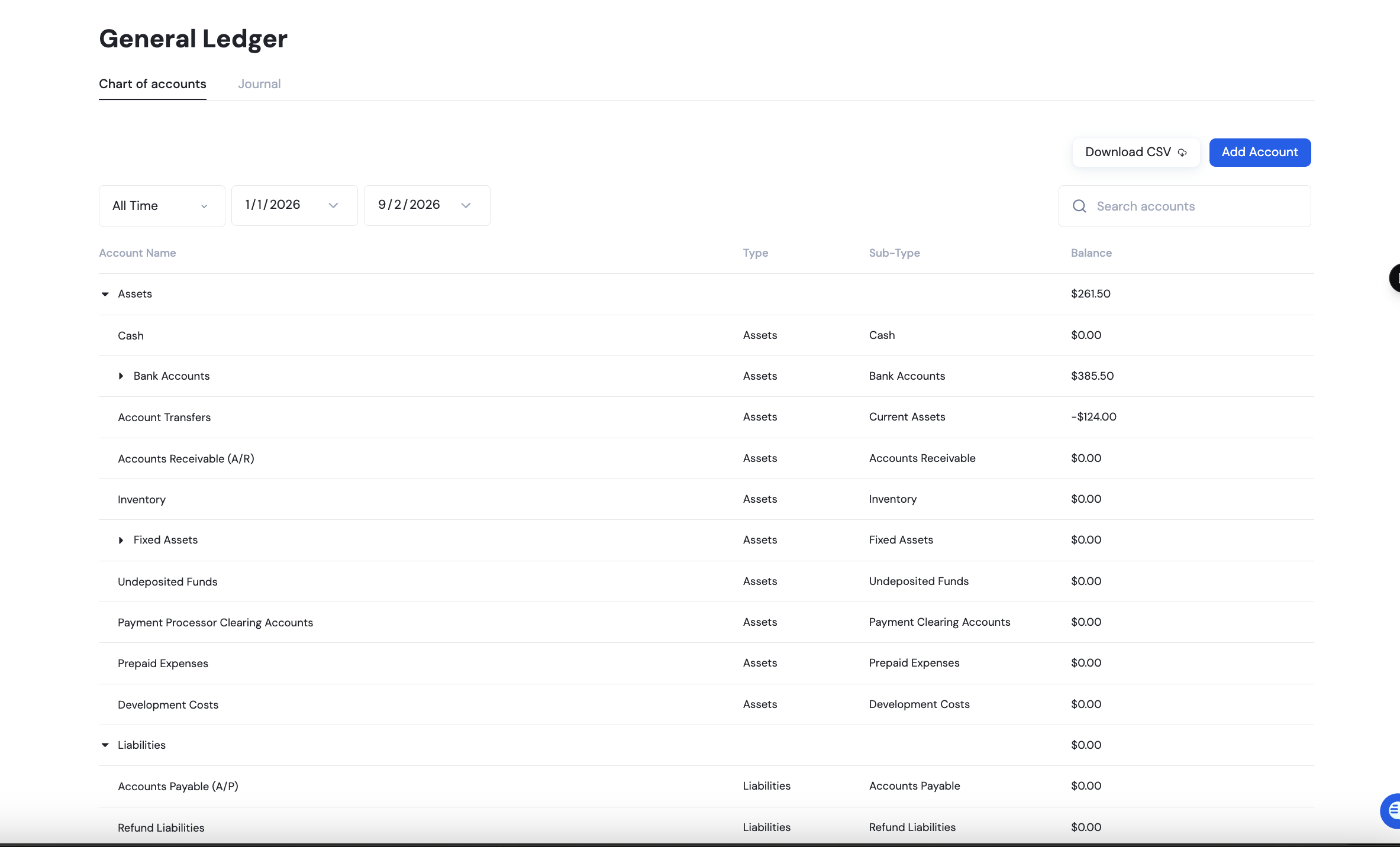
The Chart of Accounts gives you the full list of your accounts (Assets, Liabilities, Equity, etc.), each with its current balance.
You can expand sub-categories like Bank Accounts or Credit Cards to see what's underneath, and if you need an account that isn't there yet, you can add your own.
Adding a custom account
Click add account.

A panel opens on the right where you'll fill in the following.
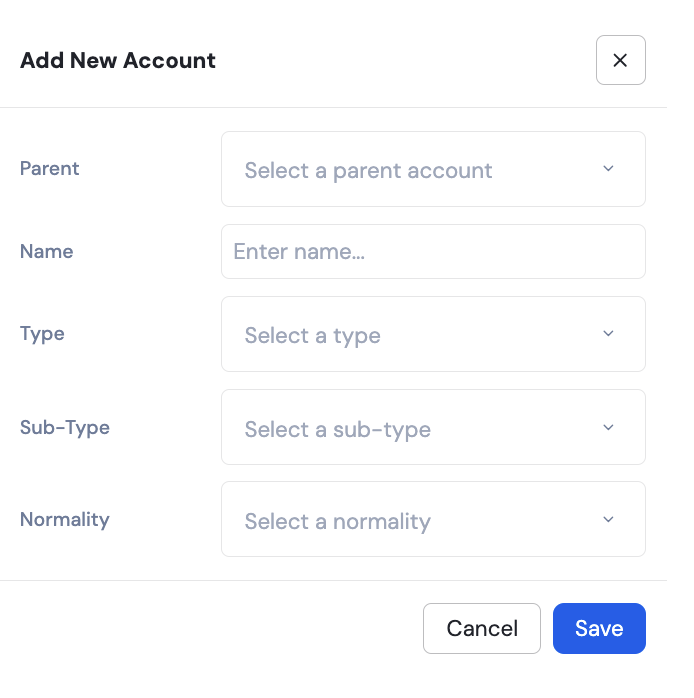
Parent — the existing account this new one should sit under
Name — what to call it
Type — e.g. Assets, Liabilities, Equity
Sub-Type — a more specific classification within that type
Normality — whether the account normally increases with a debit or a credit
Click Save.
Downloading your reports
OneSafe turns your categorized transactions into ready-to-download reports.
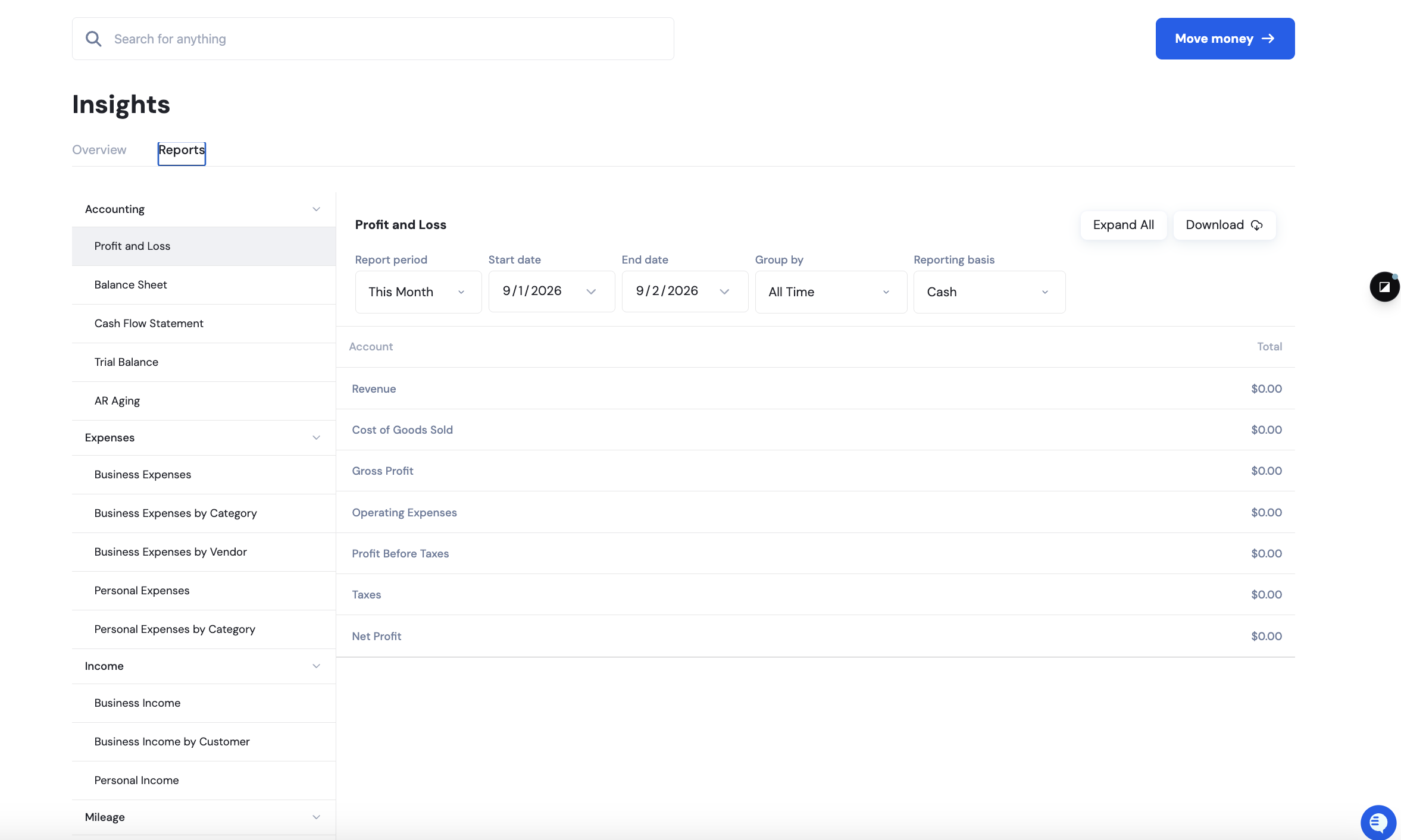
Available reports include:
Profit and Loss
Balance Sheet
Cash Flow Statement
Trial Balance
AR Aging
Business and Personal Expense/Income breakdowns
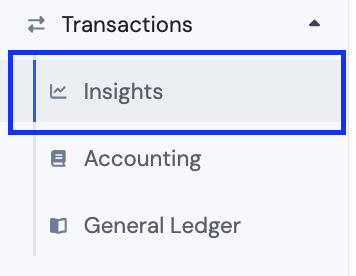
Go to the Transactions menu > Insights > Reports
Choose a report from the sidebar
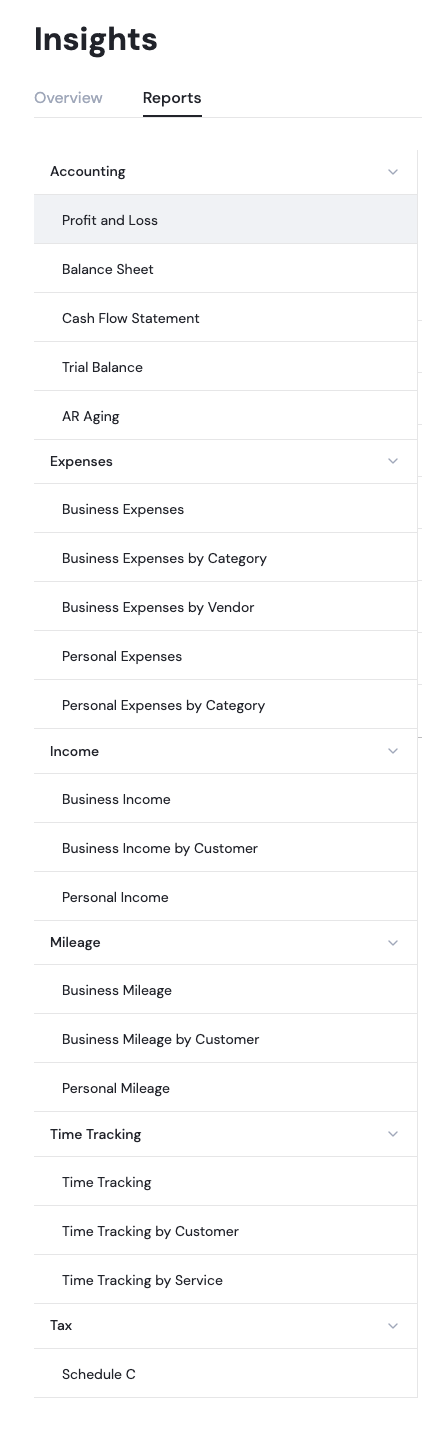
Click the download button at the right side.

Downloads reflect whatever filters are currently set on the page, so pick your date range, basis (Cash or Accrual), and grouping before hitting download.
Read more here:
📄 Can I do my accounting on OneSafe? Is OneSafe integrated with any accounting software?
📄 Can I see reports or insights on how my business is spending?