Can I do my accounting on OneSafe? Is OneSafe integrated with any accounting software?
Last updated: September 3, 2026
Yes. OneSafe now has accounting built right in, so you don't need a separate tool to manage your books.
You can track your transactions, get a clear picture of where your money's going, generate reports like profit & loss and cash flow, and see everything in one place. Here's how to get started.
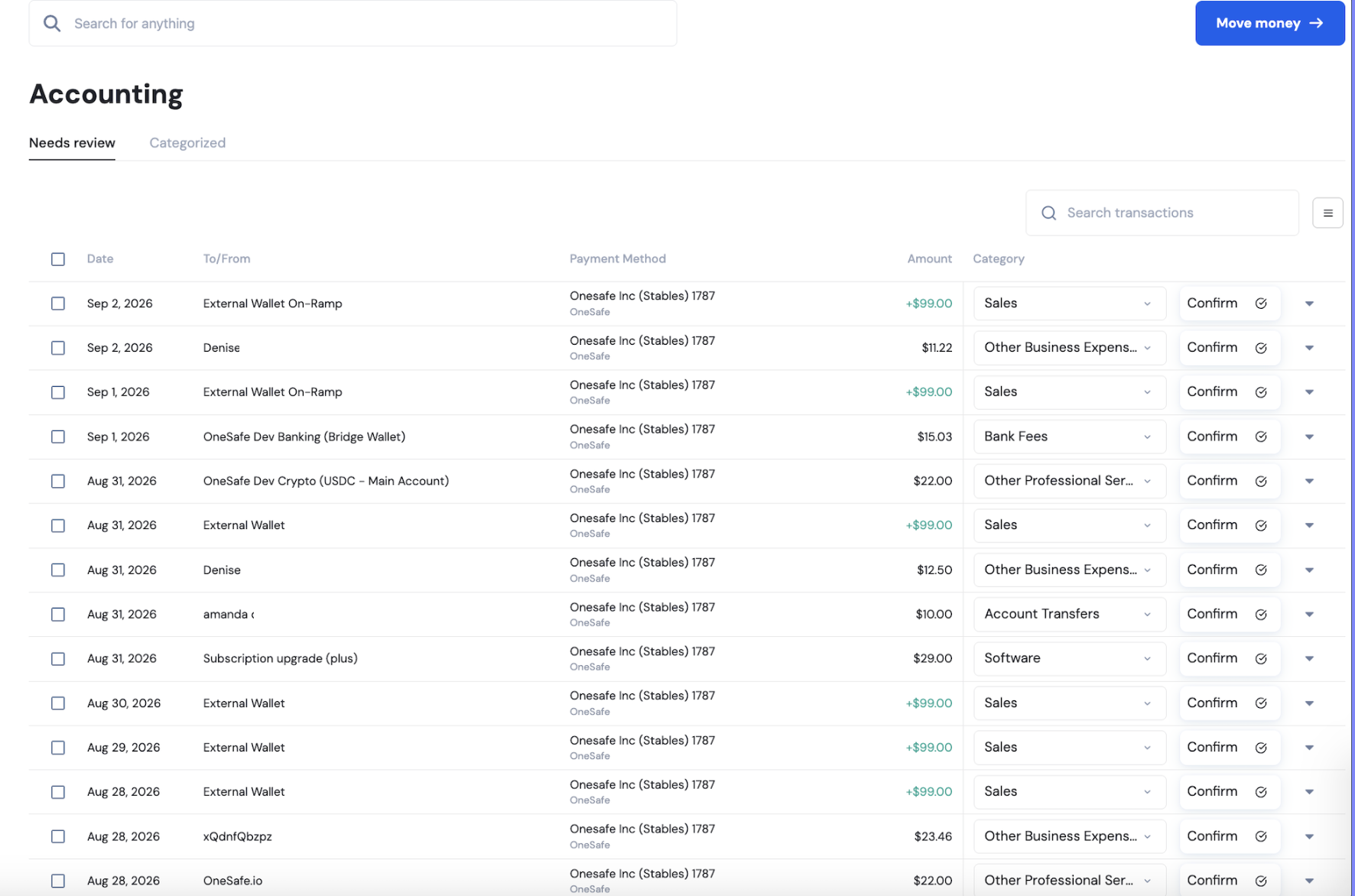
Getting started
Expand "Transactions"
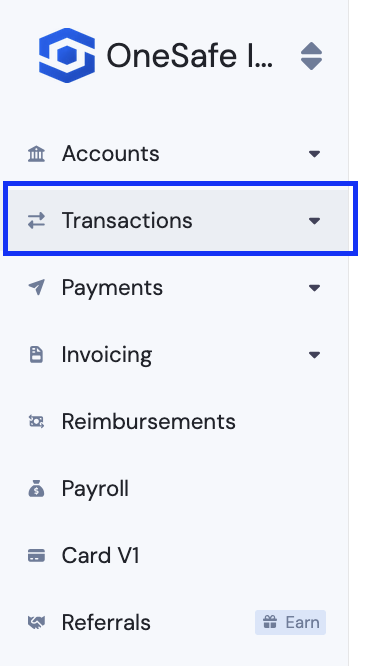
Navigate to Accounting.
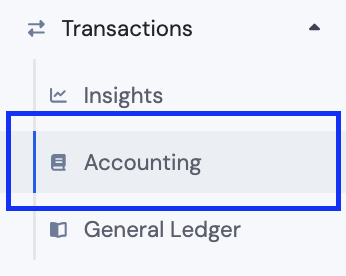
Reviewing and categorizing transactions
This is where your transactions get reviewed and sorted into categories. Every transaction lands under Needs Review first, and once you assign it a category and confirm it, it moves to the Categorized tab and counts toward your Insights reports.To categorize a transaction, following these steps:
Click into the transaction in the Needs Review tab to expand it.
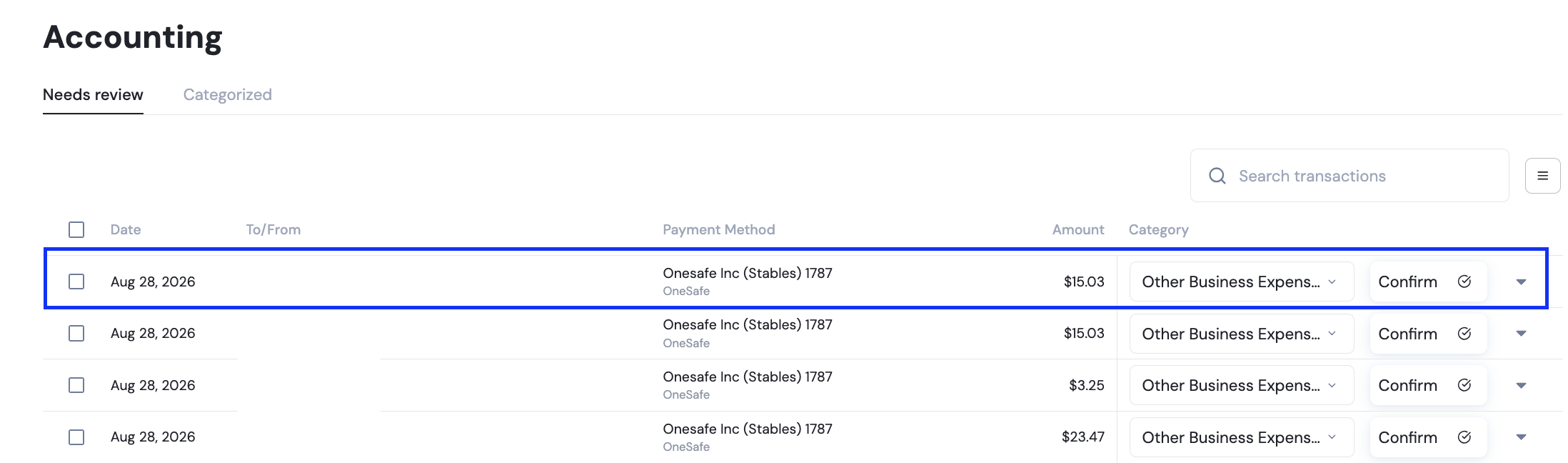
You'll see two options:
Categorize — assign the transaction to a category (e.g. "Contractors," "Payroll Fees"), and optionally set a customer or vendor.
Match — automatically recognizes when money moves between two of your linked accounts (like a card charge and the account debit that pays it), so it isn't counted twice.
Either way, you can add a description, labels, or upload a receipt to give the transaction more context before confirming.
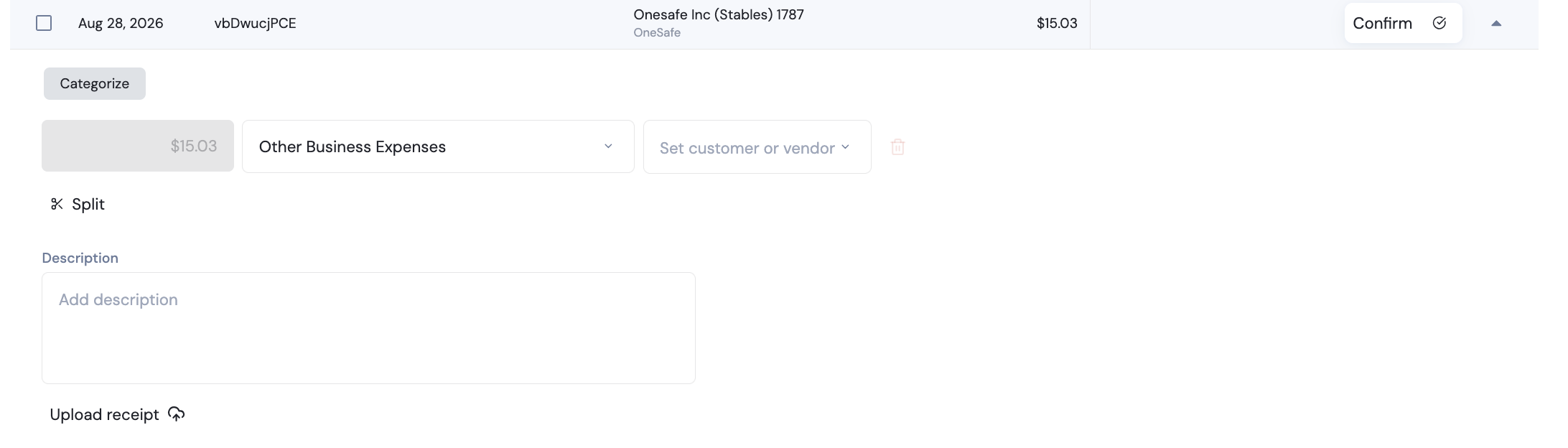
If a single transaction covers more than one type of expense, click Split to divide the amount across multiple categories.
Once everything looks right, click Confirm. This locks in the category and moves the transaction from Needs Review to the Categorized tab, where it's ready to appear in your reports.

Read more here:
📄 Can I download my financial reports?
📄 Can I see reports or insights on how my business is spending?