How do I create and send an invoice?
Last updated: September 4, 2026
To create an invoice:
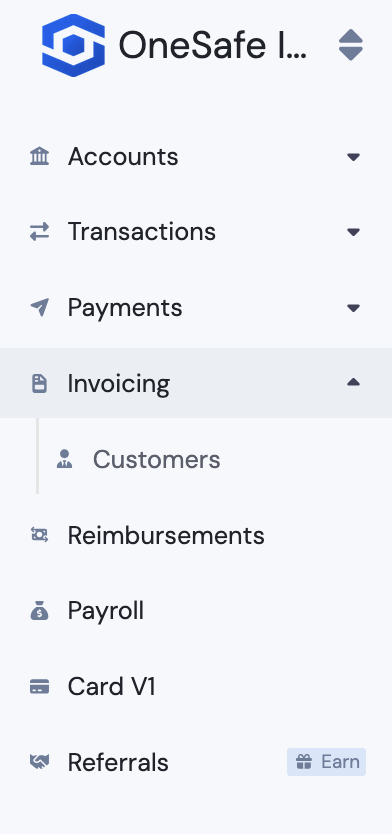
Navigate to the Invoicing section.
Click "Request Money."

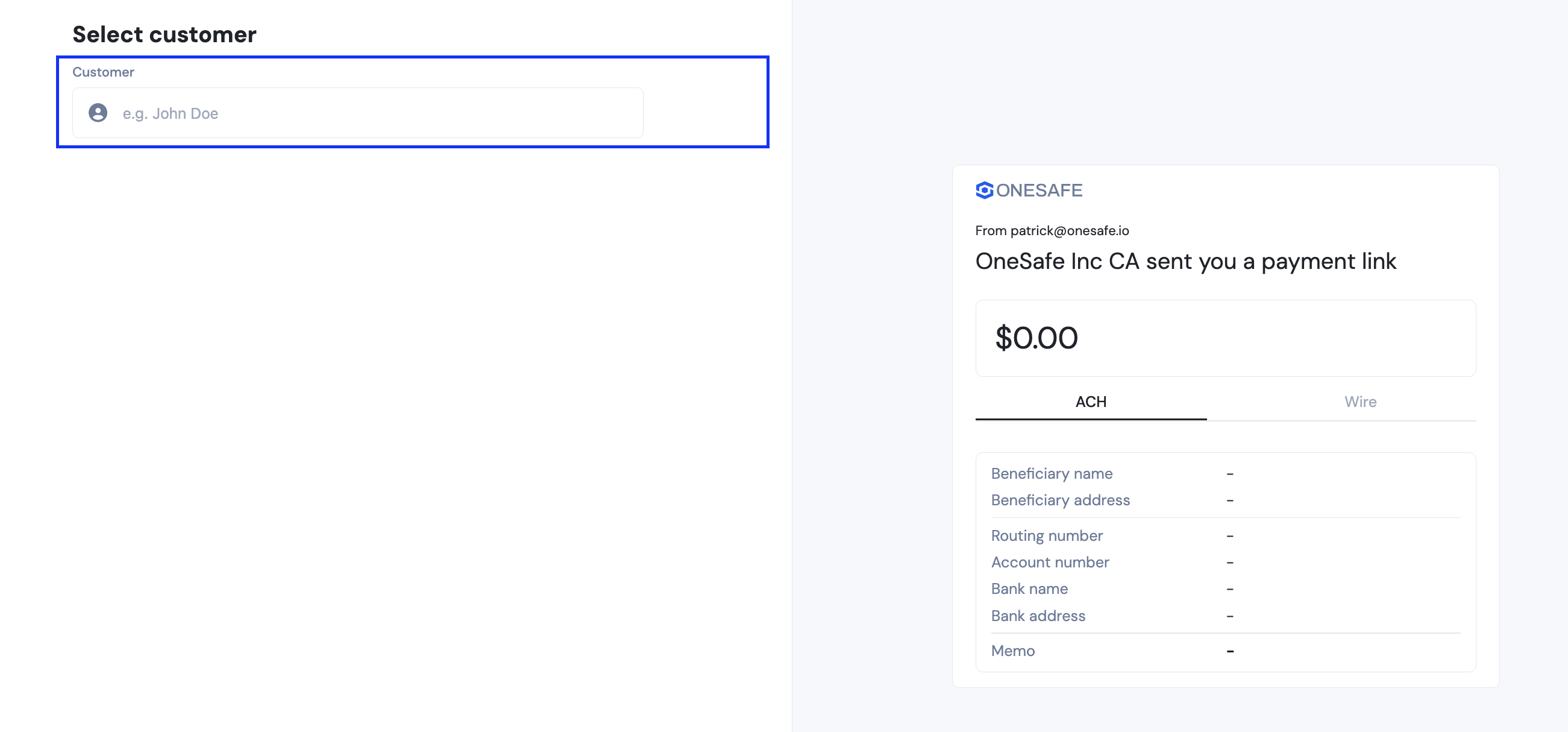
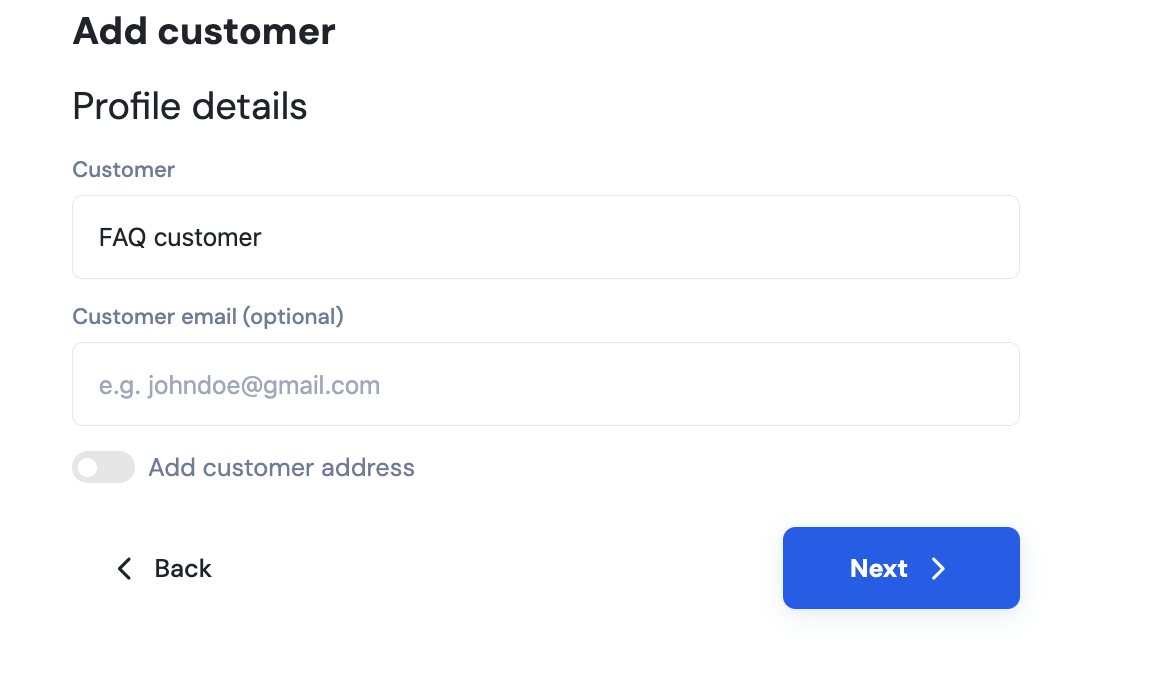
Add recipient. If it is a new recipient, you will have to add their nickname and click that it is a new recipient. If it is an existing recipient, you may search their name.
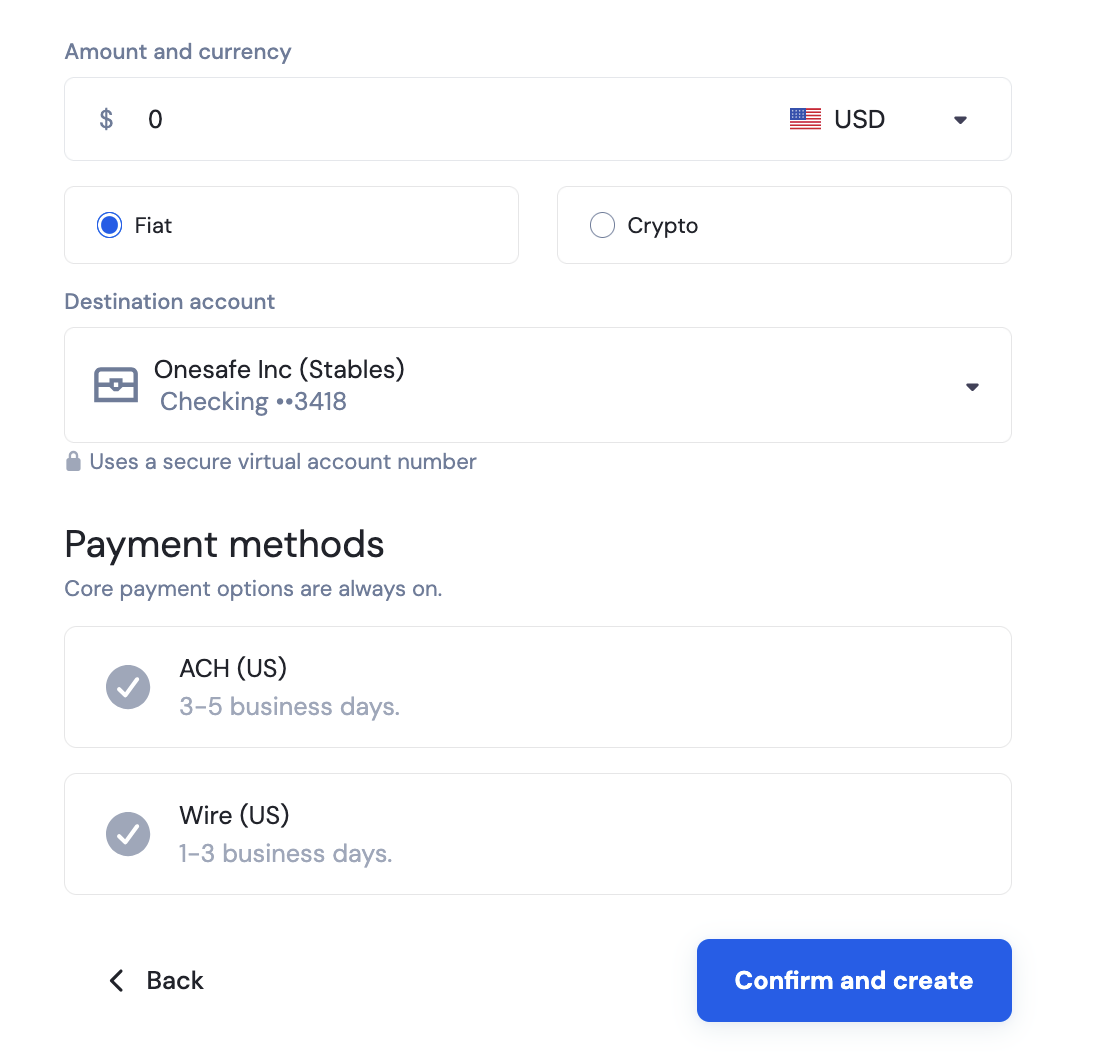
Add the details of the invoice such as the amount, the currency (crypto, USD, EUR), the destination account or where you want to receive the funds, and if you have a note for it.
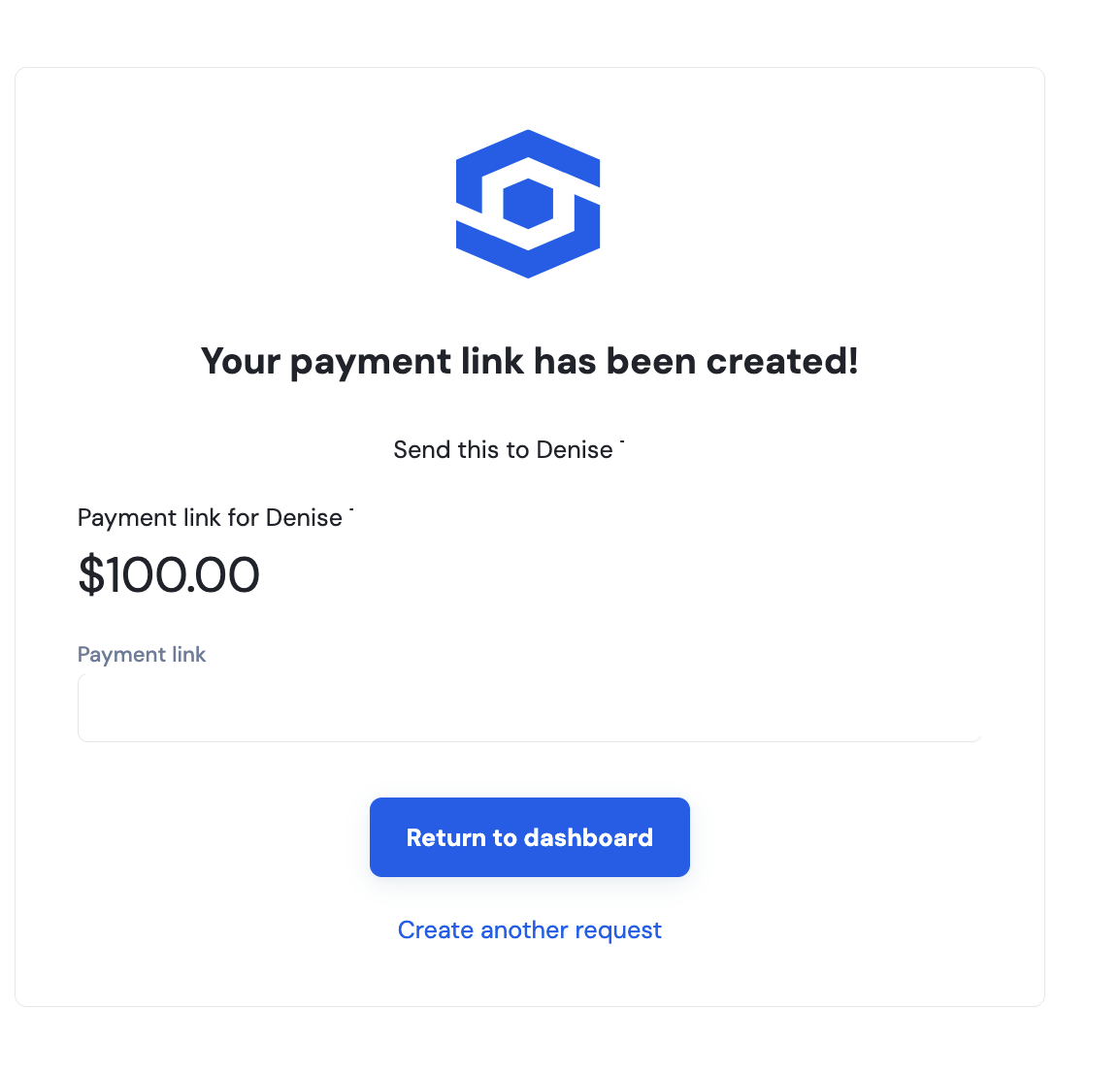
You will get a confirmation message once created. The recipient can pay the invoice via the link created.
If the recipient already exists in your list, you don’t need to re-enter their details. Just select the recipient, and the system will automatically fill in their information.
👉How can I track and view my issued invoices?