How can I track and view my Issued Invoices?
Last updated: September 4, 2026
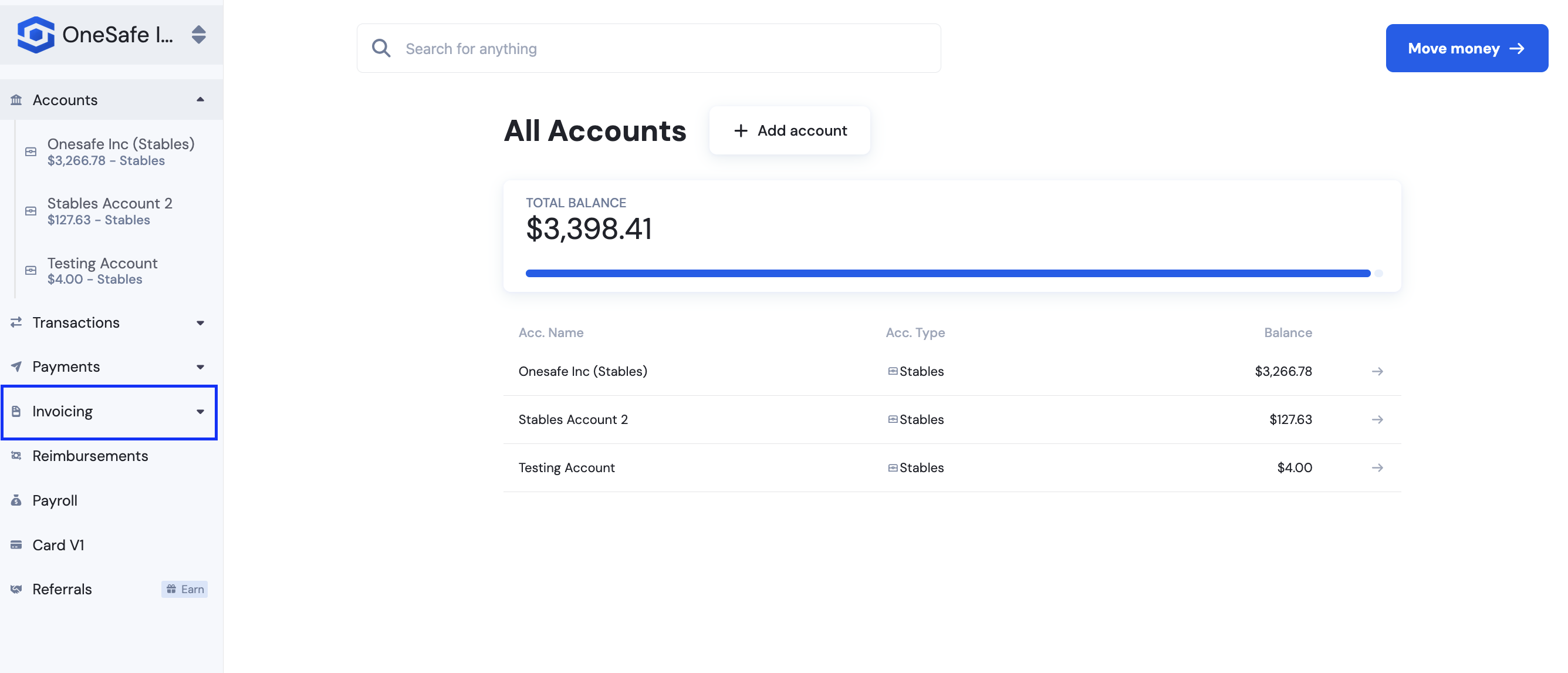
You can view any sent invoice by navigating to the Invoicing page on the left menu panel.
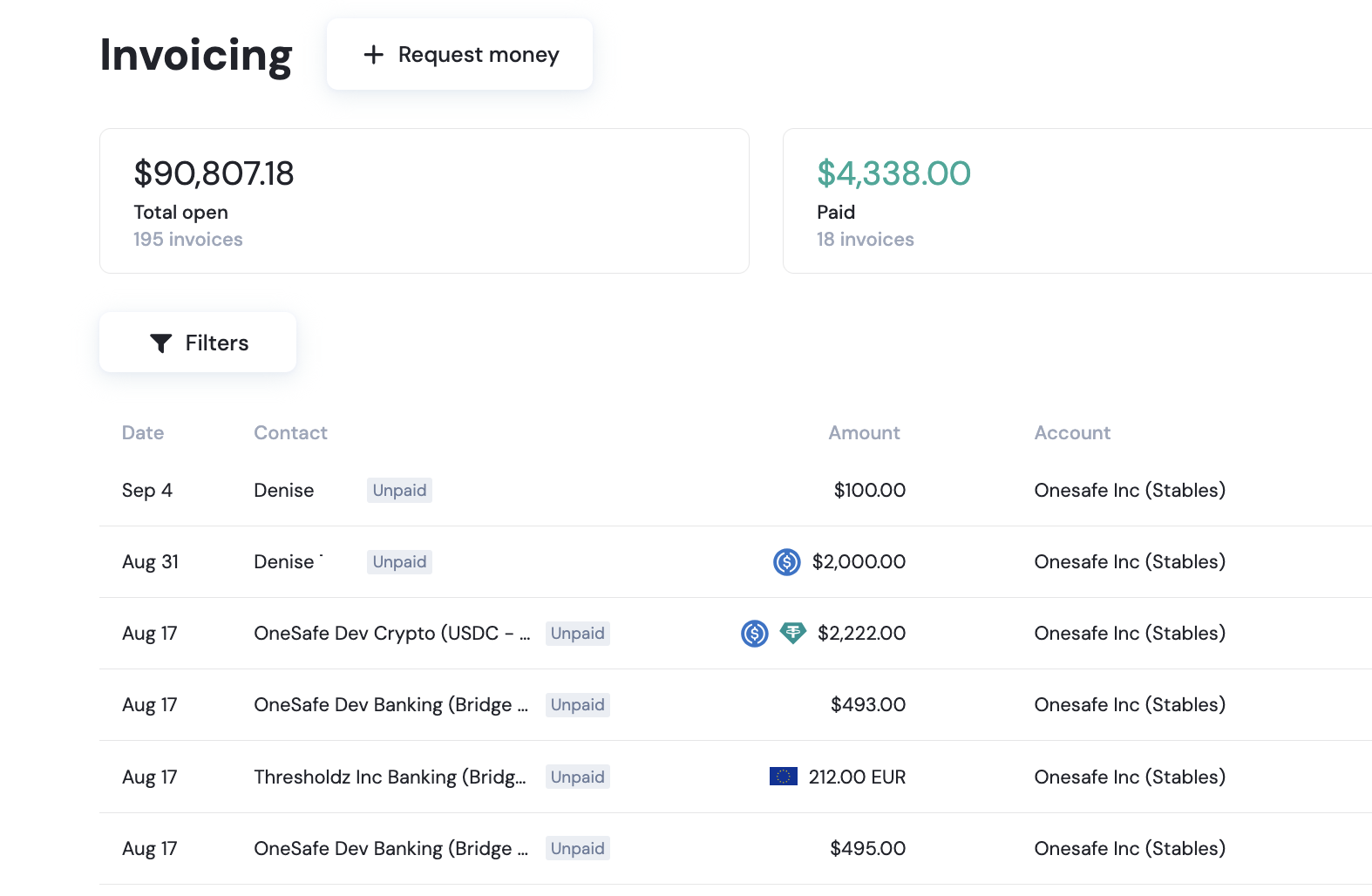
From here, you can review previously sent invoices, check their status, and see the total paid and unpaid amounts.
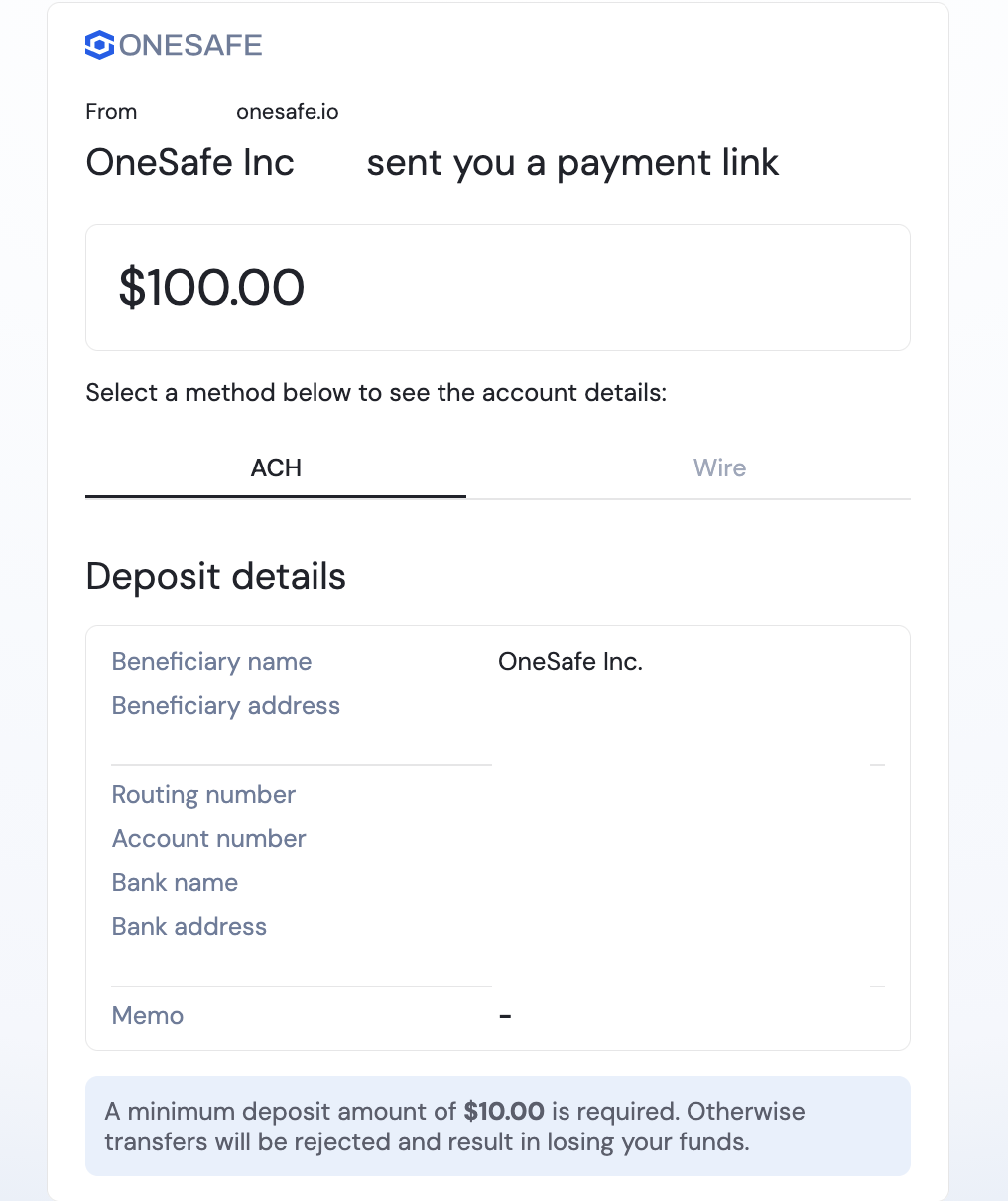
Recipients of your invoices can simply enter the link created with the invoice. This will open the invoice in their browser, where they can view all payment information.
The invoice page remains accessible even in incognito or private browsing mode.
👉How do I create and send an invoice?