How to Cancel Scheduled Payments
Last updated: May 20, 2026
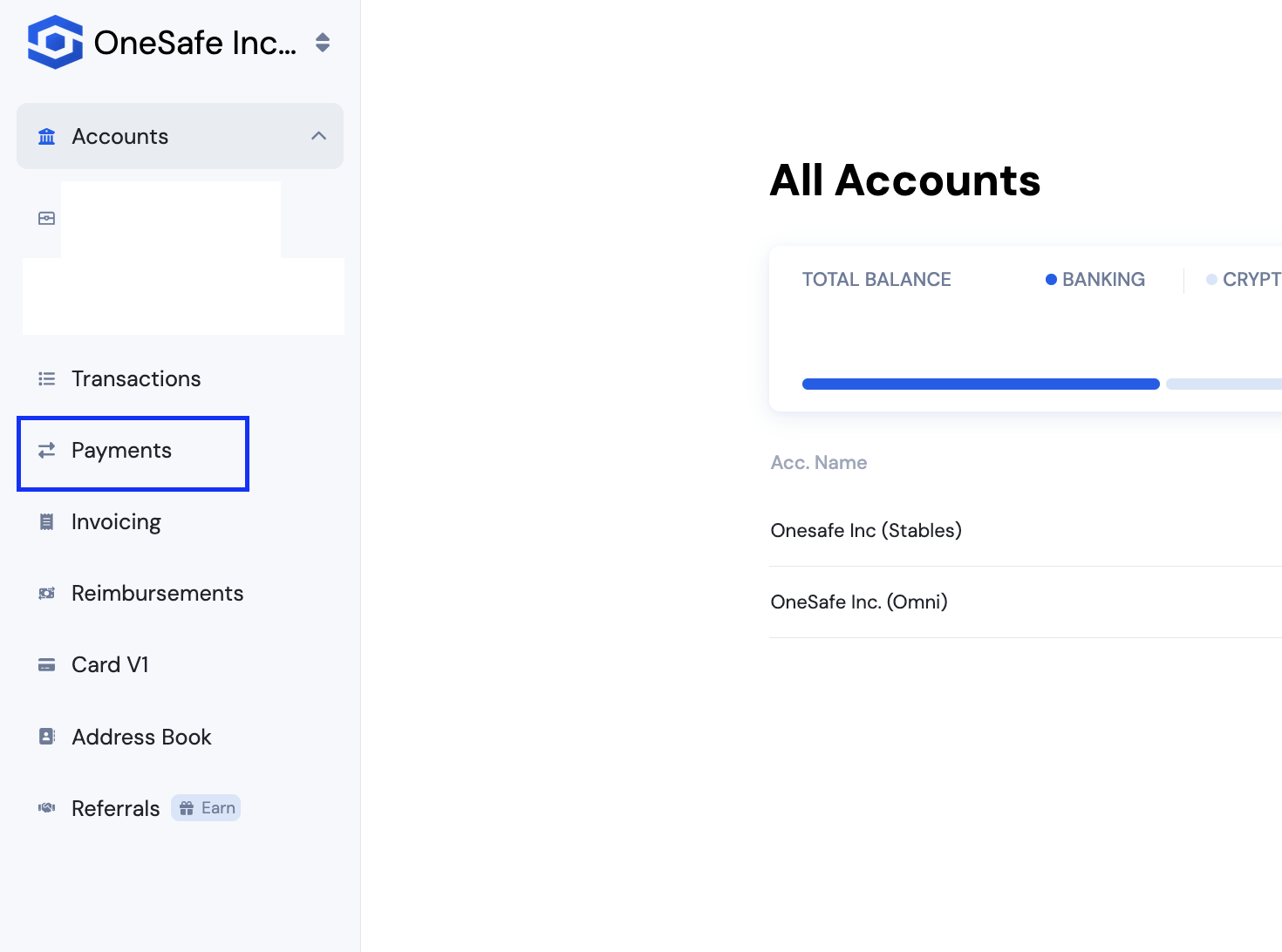
1. Go to the Payments tab.
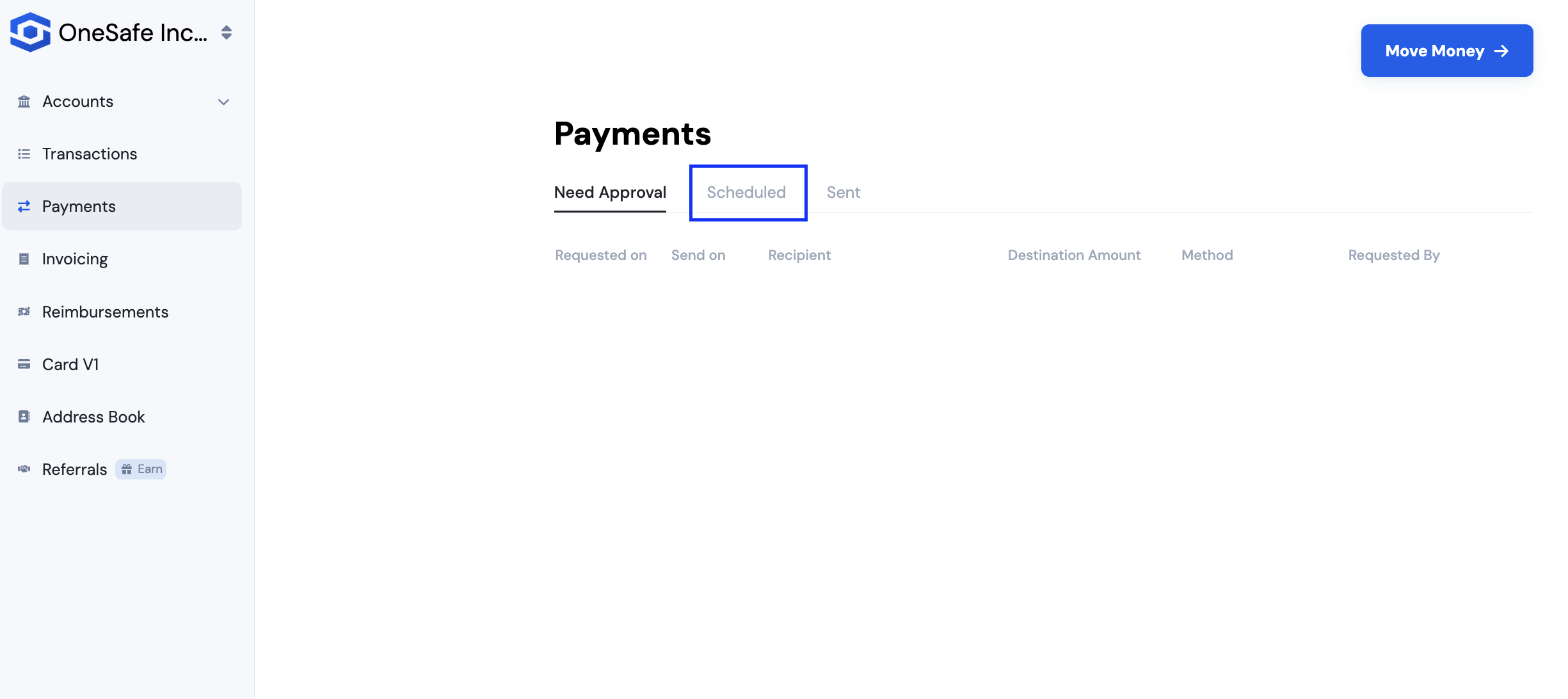
2. Then click on Scheduled.
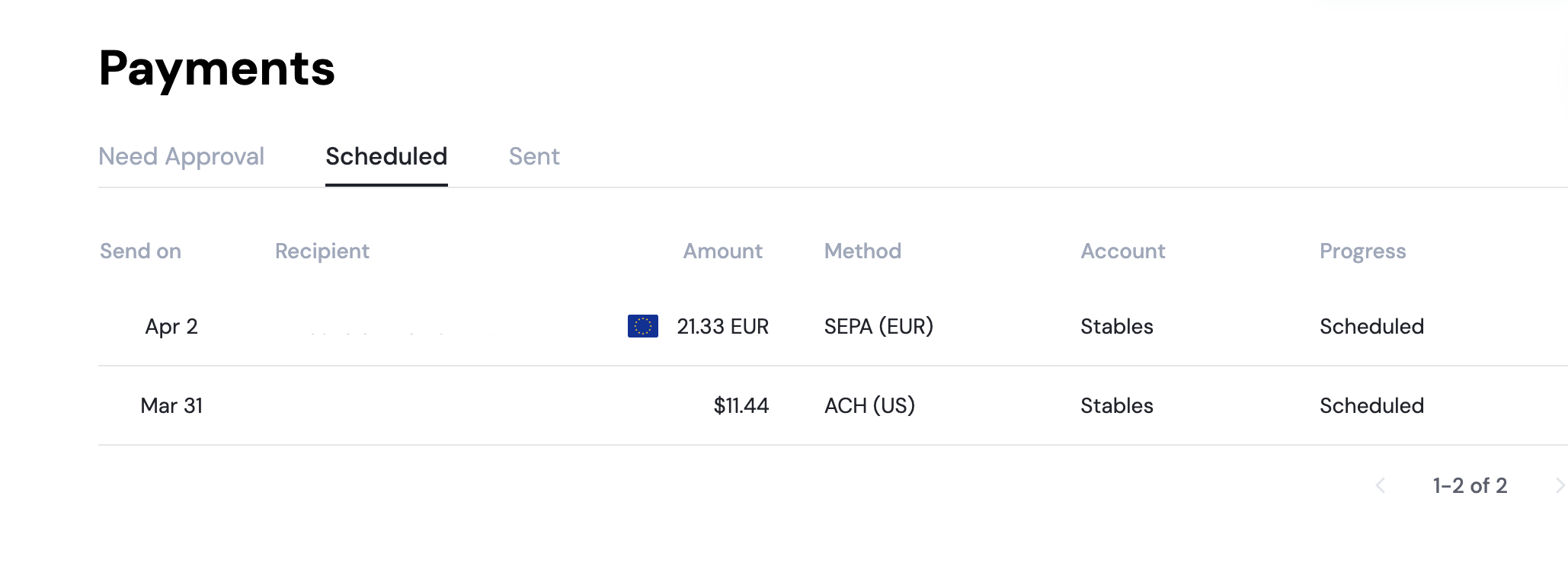
3. Click on the payment queued and on the appearing panel, click "Cancel Payment."
All dates are based on Coordinated Universal Time (UTC). Payments scheduled for a future date will be initiated at 2:00 PM UTC on the selected date.
See also: