Where to View Scheduled Payments
Last updated: May 20, 2026
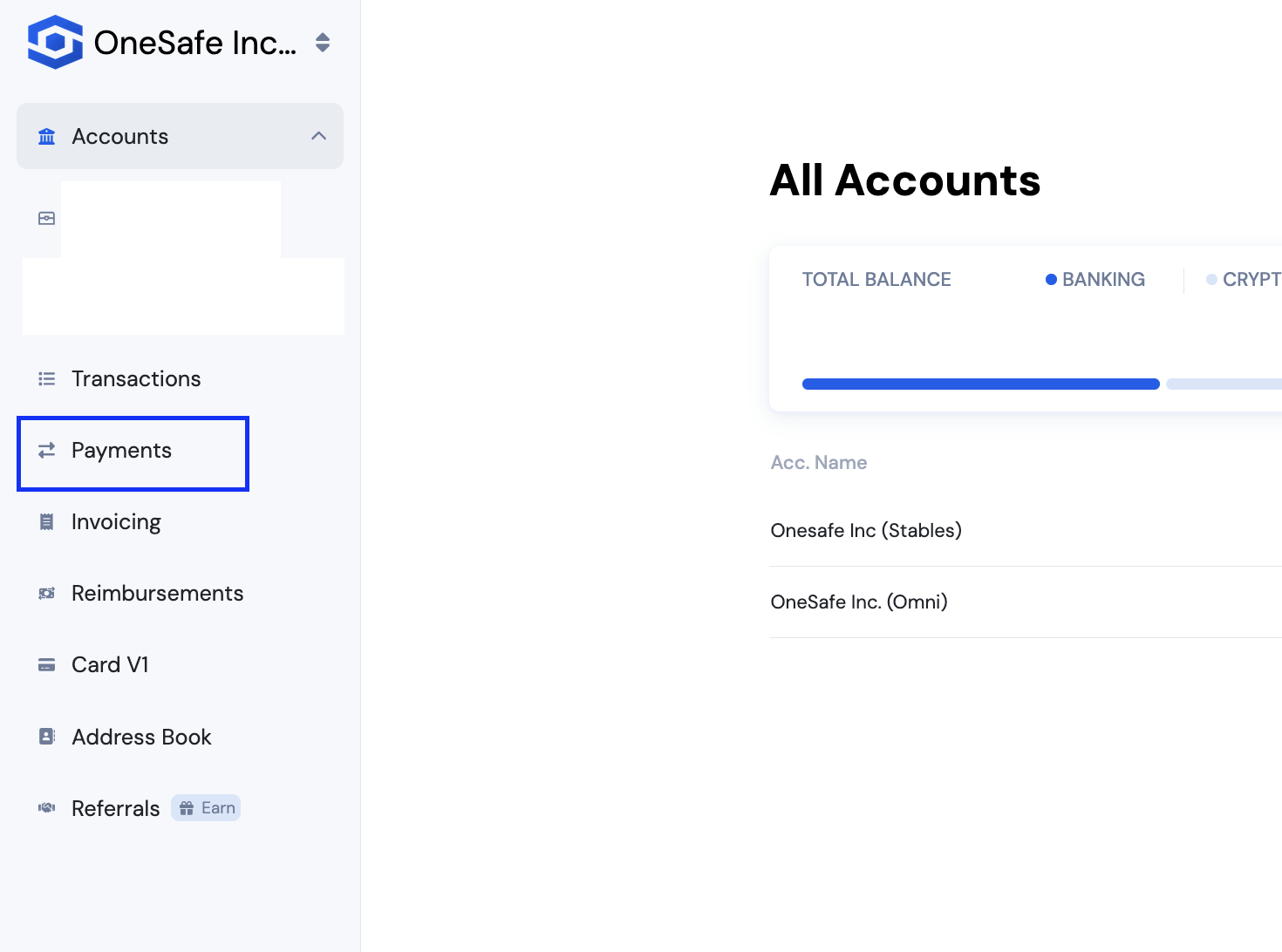
1. Go to the Payments tab.
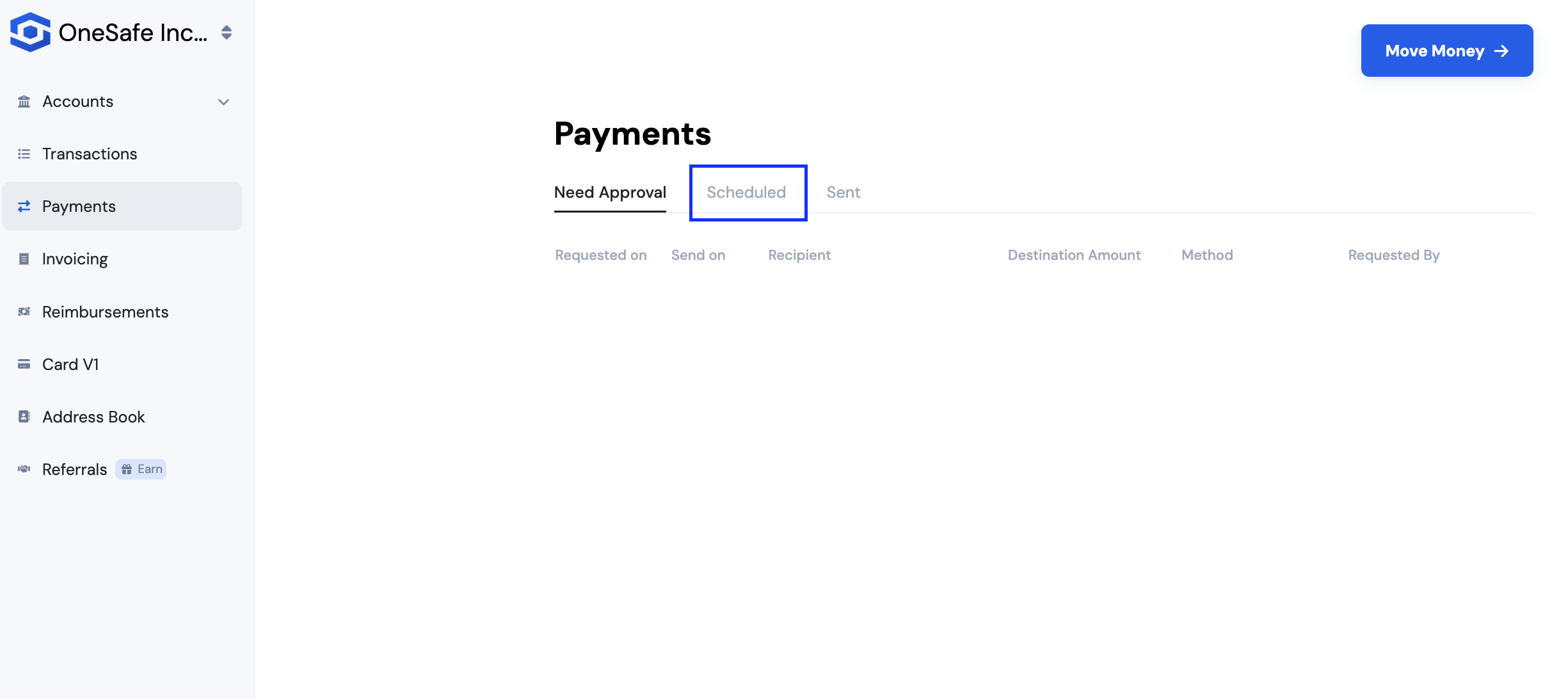
2. Then click on Scheduled.
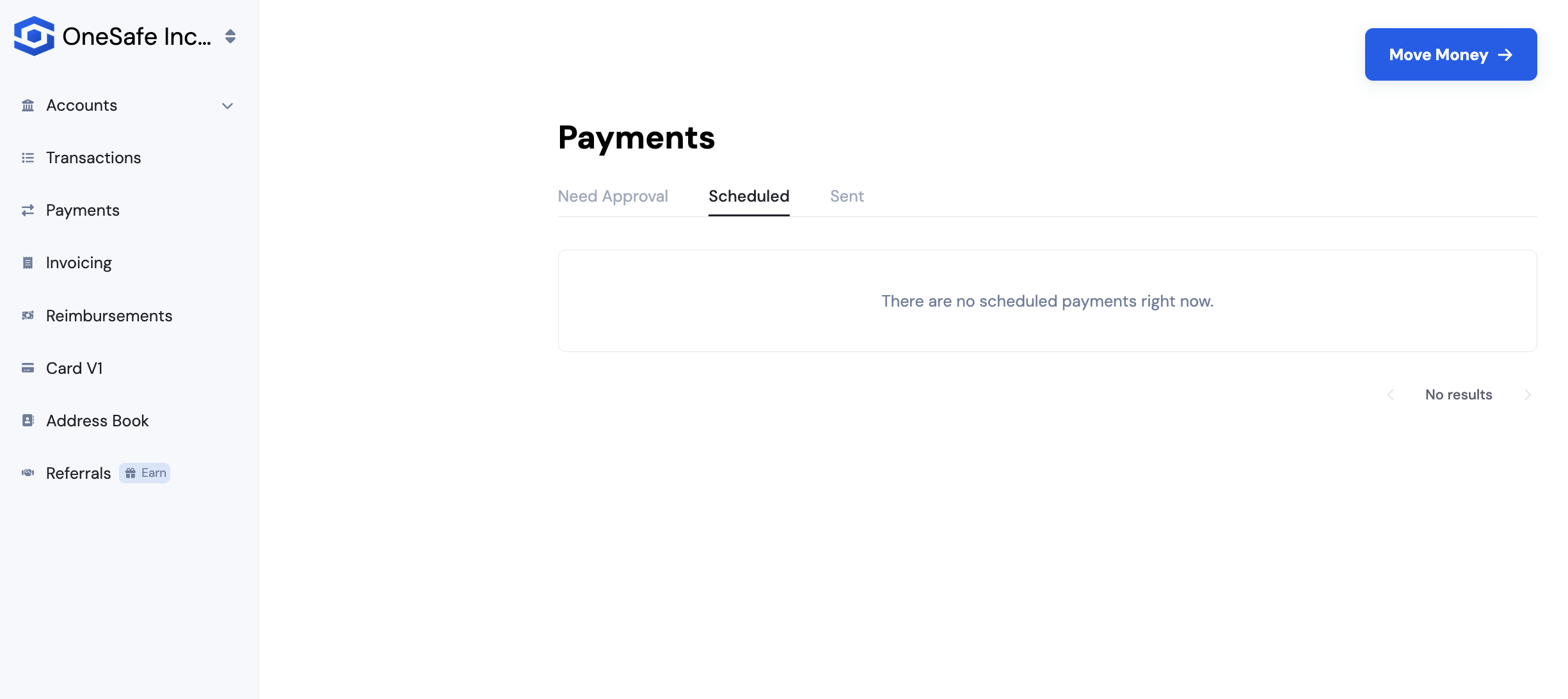
All dates are based on Coordinated Universal Time (UTC). Payments scheduled for a future date will be initiated at 2:00 PM UTC on the selected date.
See also: