How to Move Crypto Funds Between Your OneSafe Accounts
Last updated: May 20, 2026
Easily transfer supported crypto (e.g., USDC, USDT) between your OneSafe accounts. Watch the demo here:
A. Retrieve the Deposit Details of the Target Account
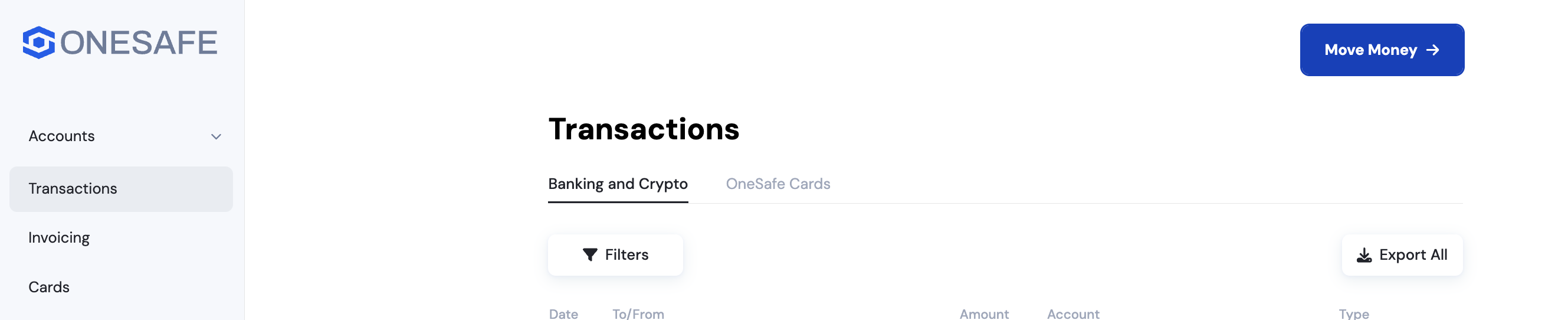
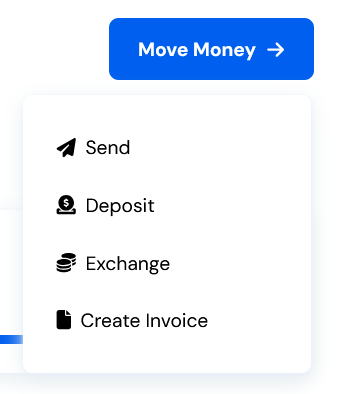
From your OneSafe Dashboard, click the Move Money button in the upper-right corner.
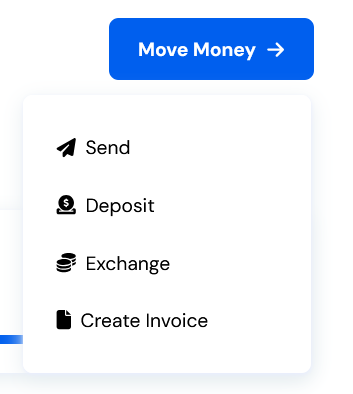
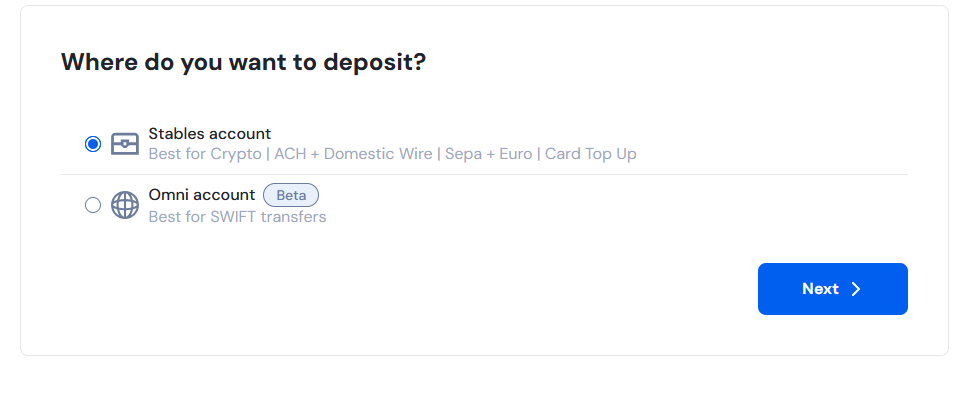
From the dropdown, select Deposit then choose the account you want to send funds to (e.g., Omni or Stables).
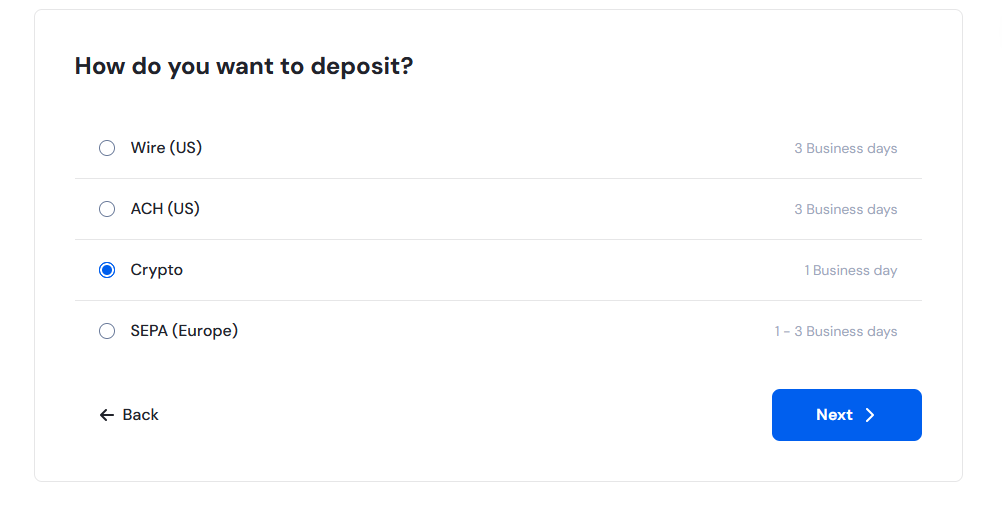
Select Crypto as the method.
Select the token (e.g., USDC, USDT) using the currency selector.
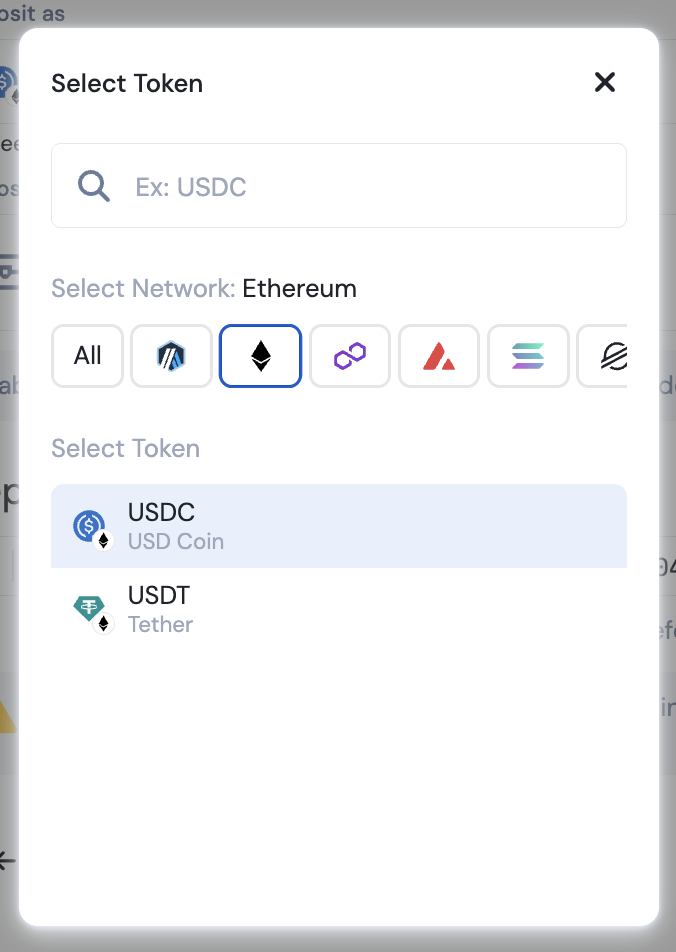
Copy the wallet address for the selected account and token.
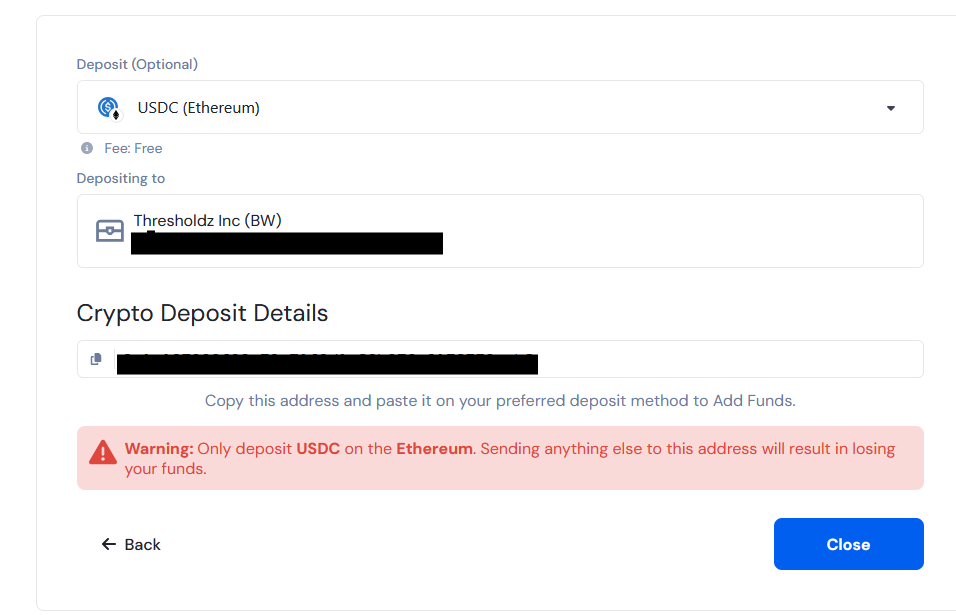
⚠ Important Notes:
Stables accounts only support stablecoins on certain networks (e.g., USDC Ethereum, USDT Ethereum).
Always check the currency selector for supported tokens on the chosen account.
Be extra cautious with Stables account wallet addresses—each token has a unique address, even if they share the same network.
B. Send Funds to the Target Account
Return to the dashboard and click Move Money, then select Send.
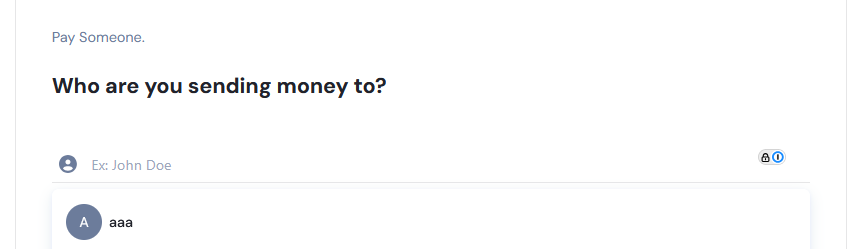
On the “Who are we you sending money to?" screen,
If recipient already exists, search and select.
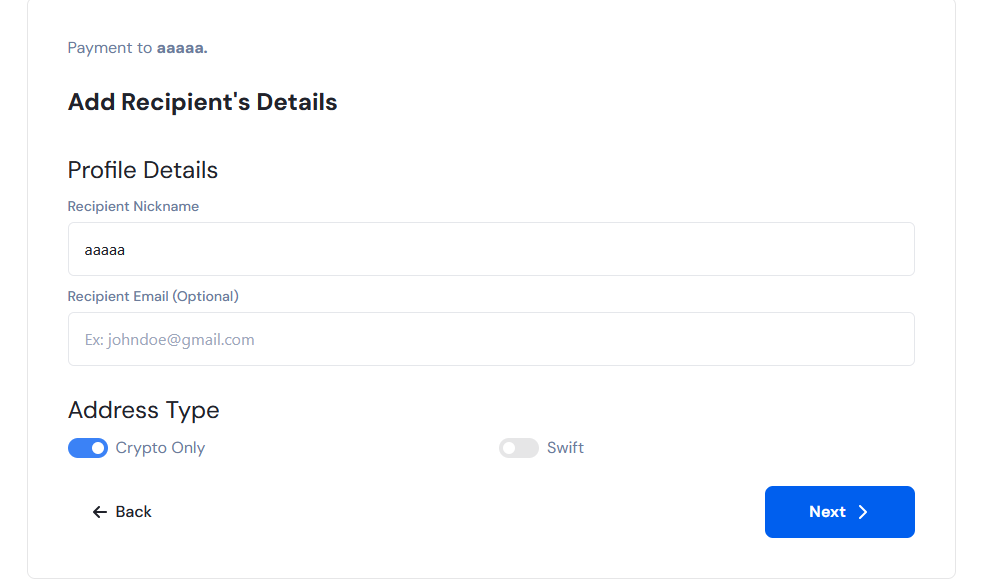
Otherwise, enter a Recipient Nickname and click "Pay Someone New".
Choose Crypto Only as the Address Type, then click Next.
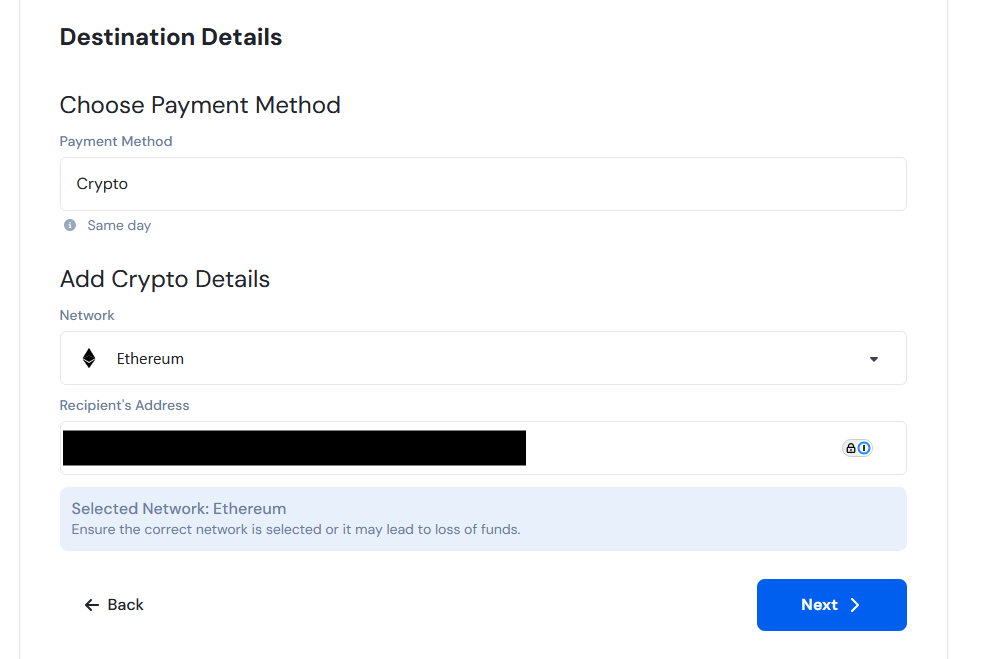
Ensure Crypto is selected as the method. Paste the recipient’s wallet address and select the correct token. Click Next.
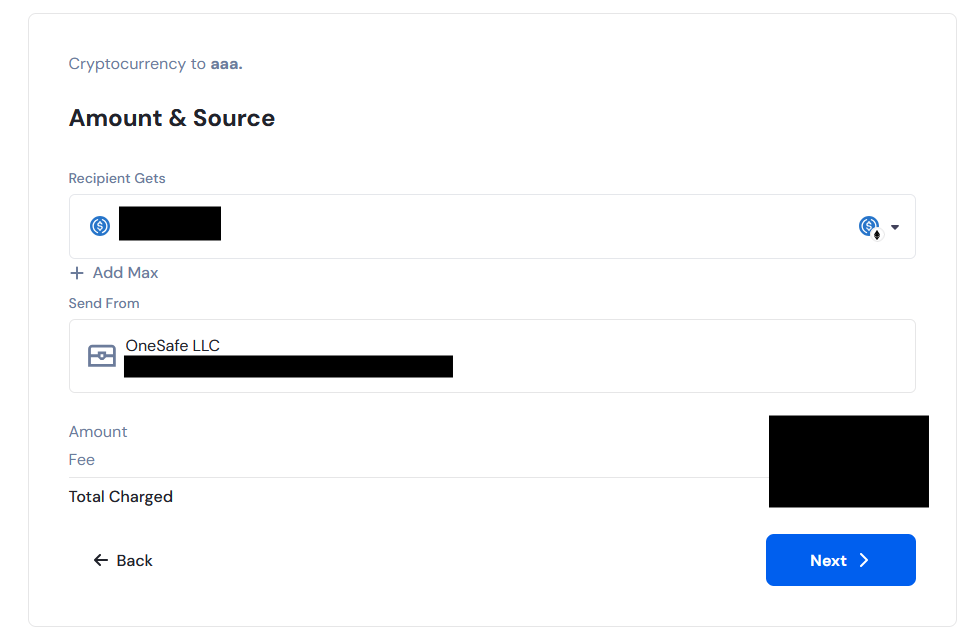
Enter the amount, confirm the token, and select the source account. Then, click Next.
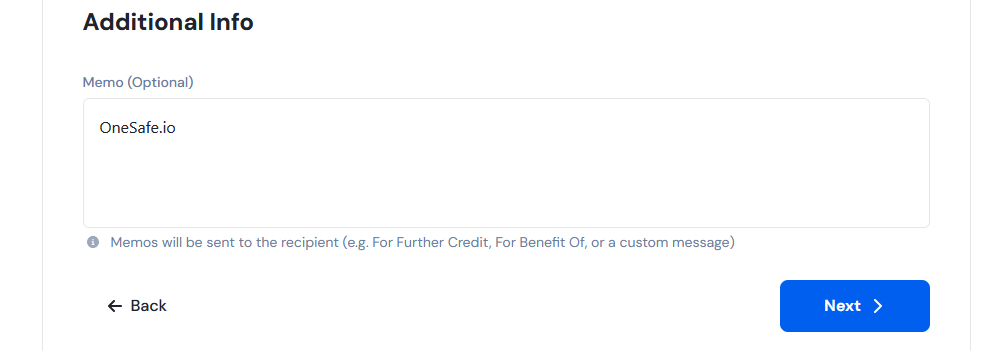
You may choose to add a memo reference in the Additional Info page.
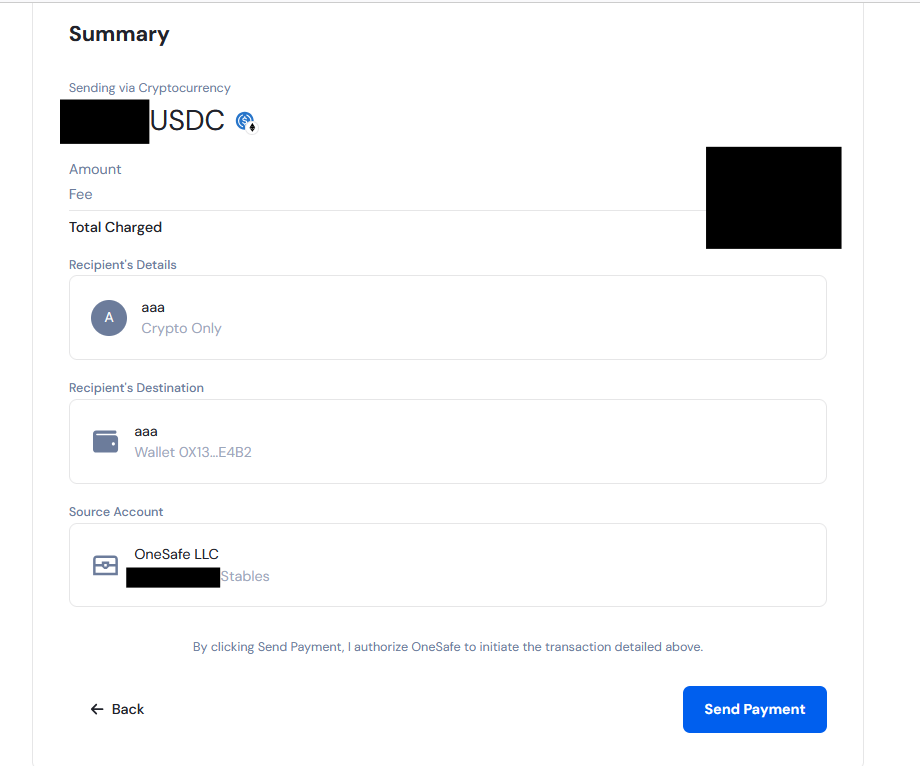
Review the transaction summary and click Send payment.
Transfer Time:
Crypto transfers between OneSafe accounts are typically fast, but they can take 1 business day to complete.
❓ Questions
If you’re having any trouble, feel free to reach out to us via the chat widget at the bottom right of your screen. We’re here to help!