How do I activate my OneSafe Plan free trial?
Last updated: August 28, 2026
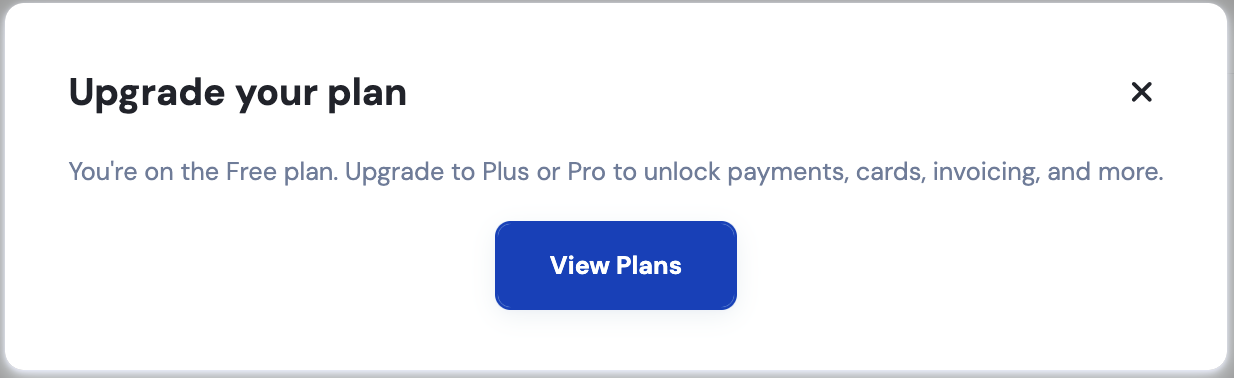
When you log in to your OneSafe account for the first time and clicked on the other sections, you will see a message indicating that you are on the Starter Plan, along with an option to view plans.
Click View Plans.
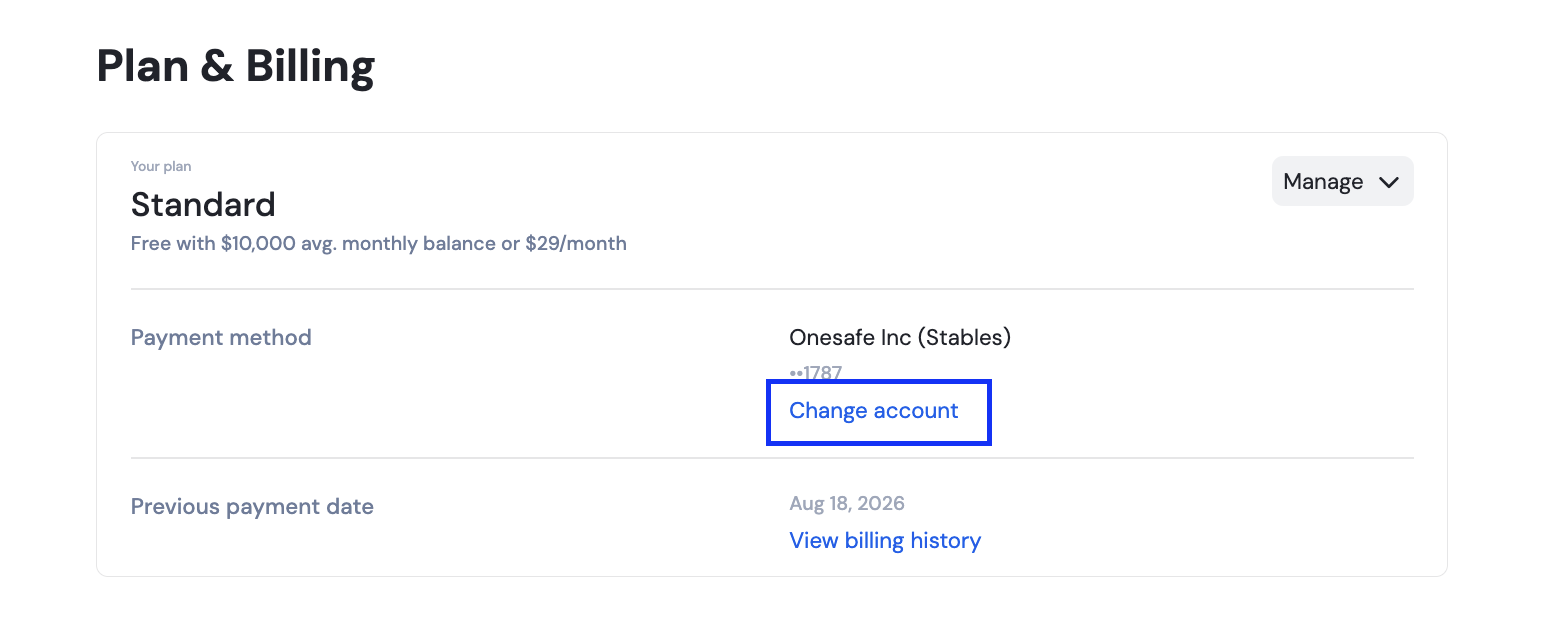
You have to choose a default account for your payment method first by clicking "change account" and then selecting the plan after.
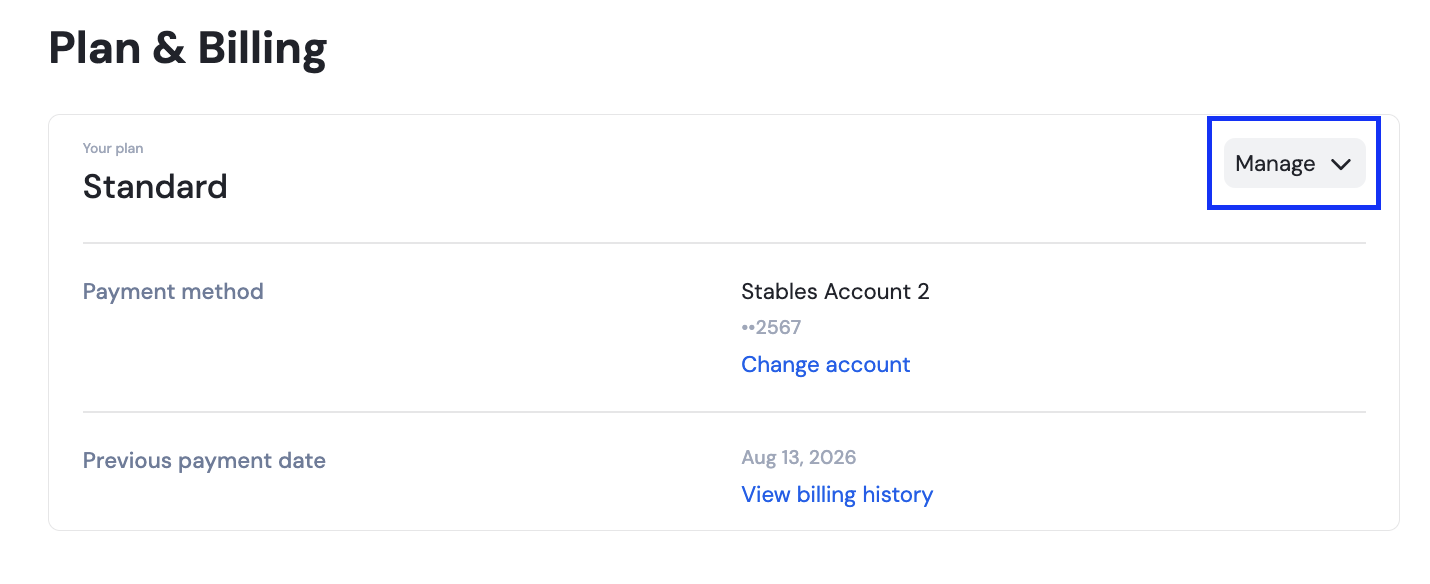
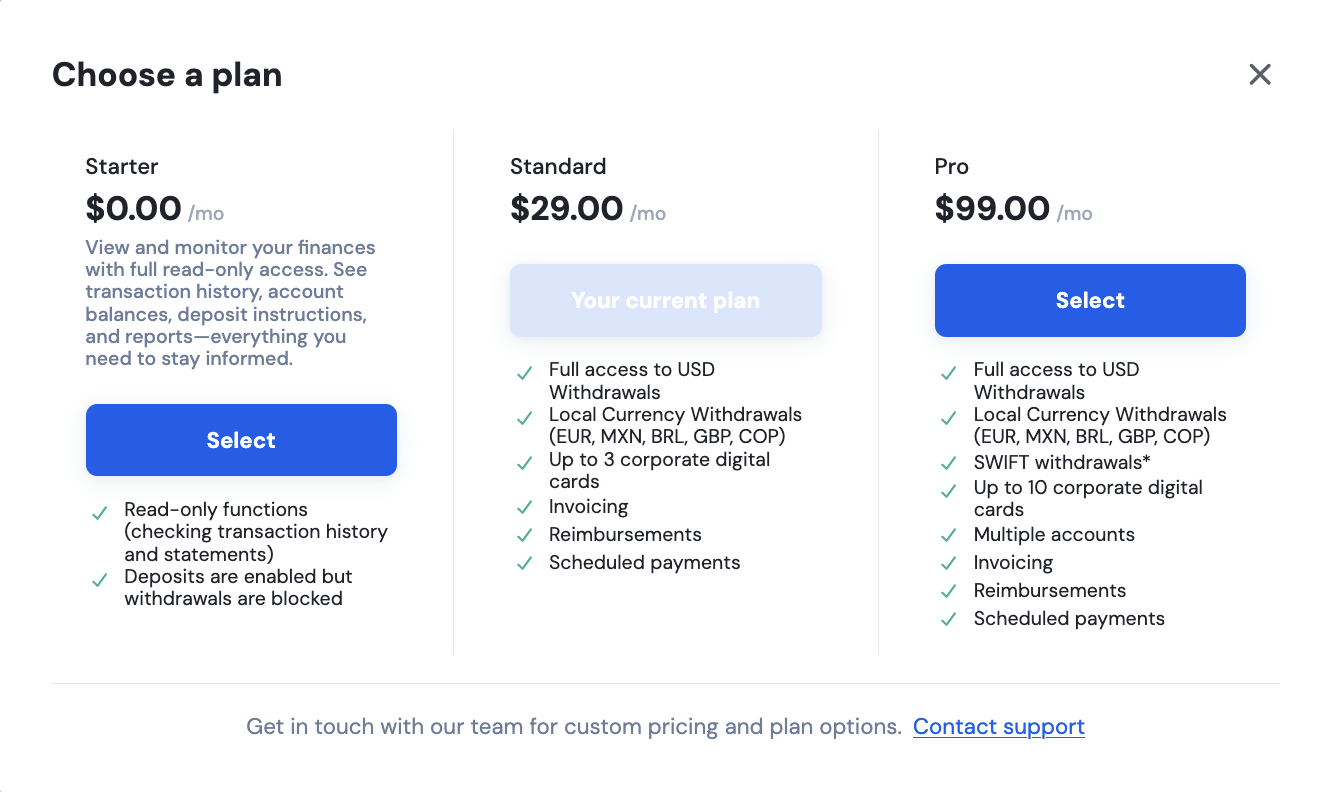
Afterwards, you may click Manage and select the Standard plan. Check out the difference between the Standard and Pro plans here.
To view your account billing status, check the guide here:
👉 Where can I view my current plan and billing details?